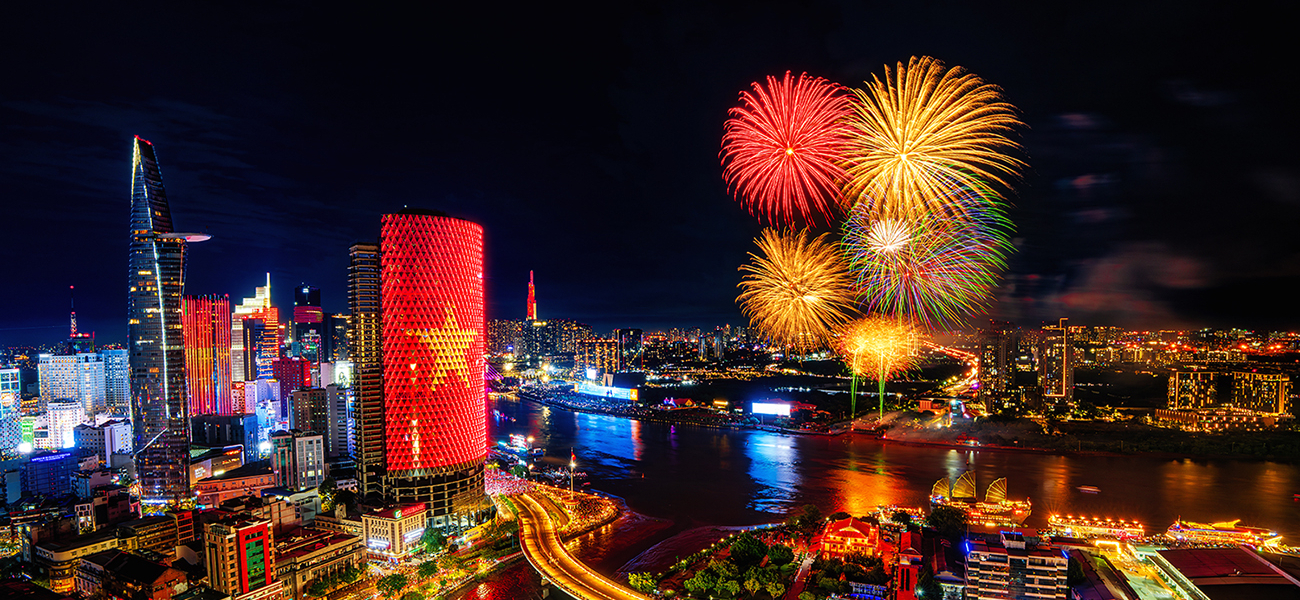



Capture beautiful fireworks photos with these simple step-by-step tips.
What You Need Before You Start
Essential Equipment
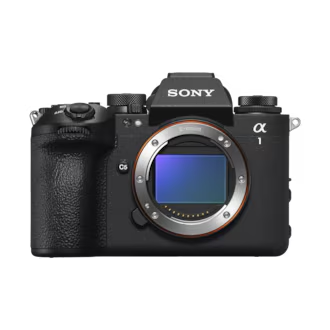
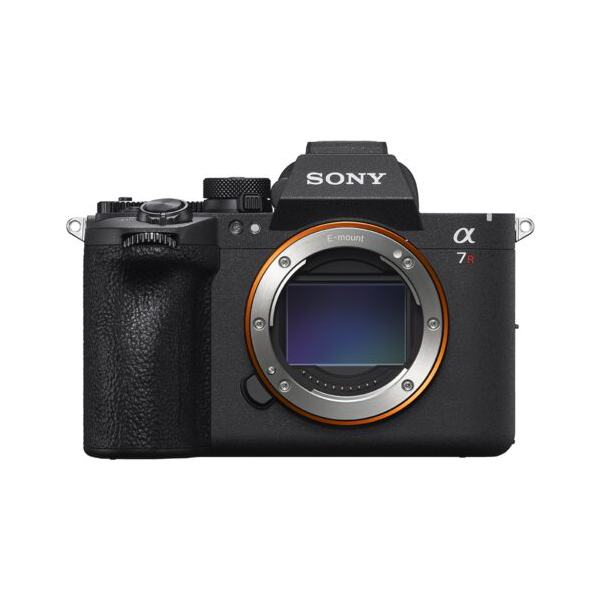
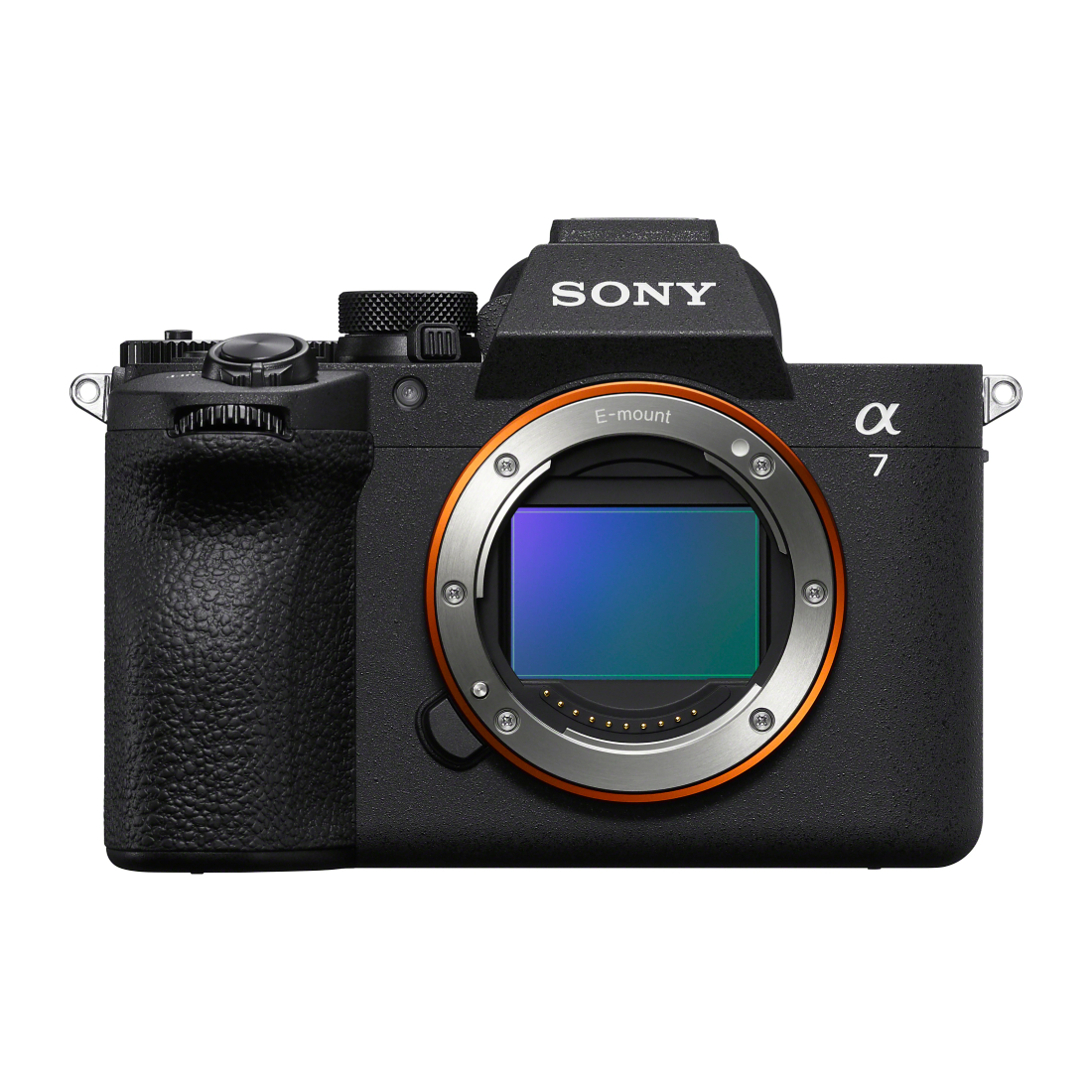
- Camera with Manual (M) mode
- Tripod
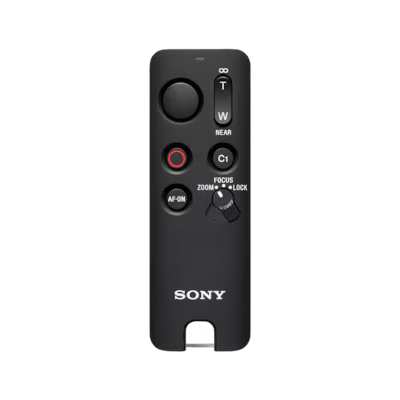
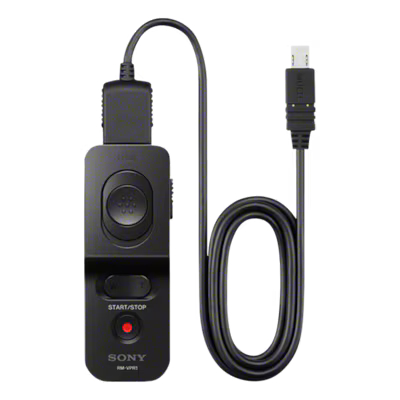
- Remote commander / remote shutter (recommended)
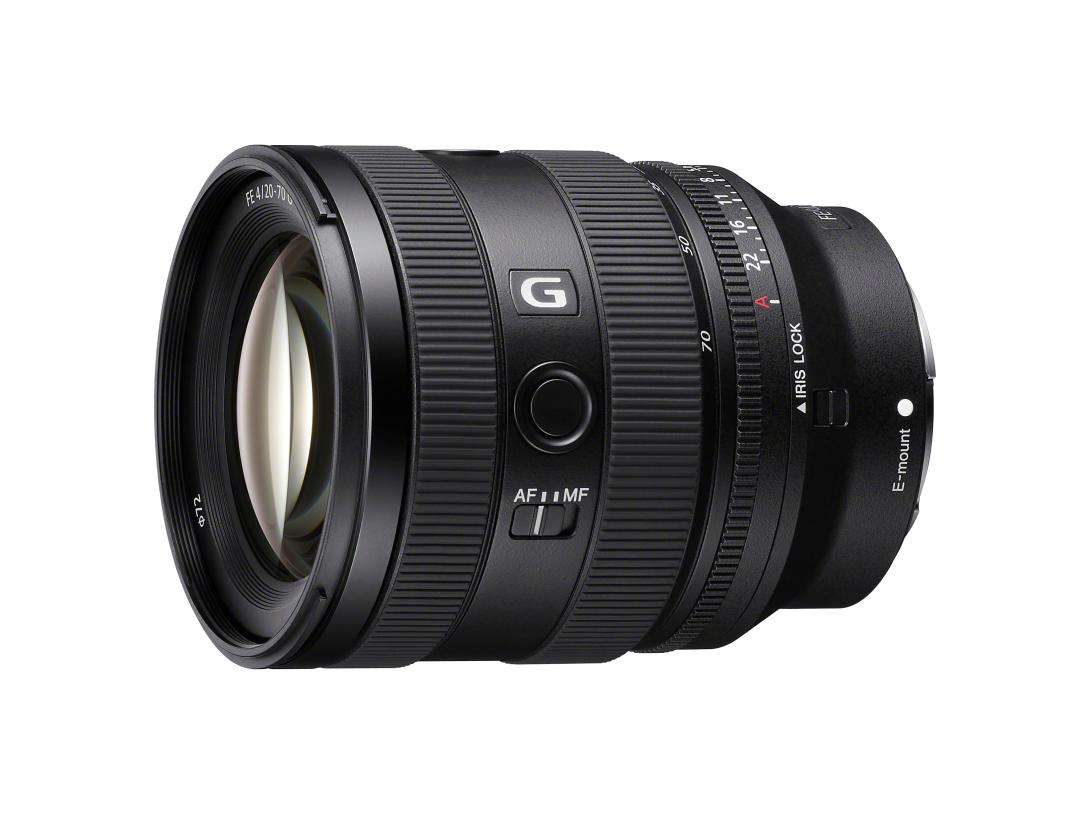
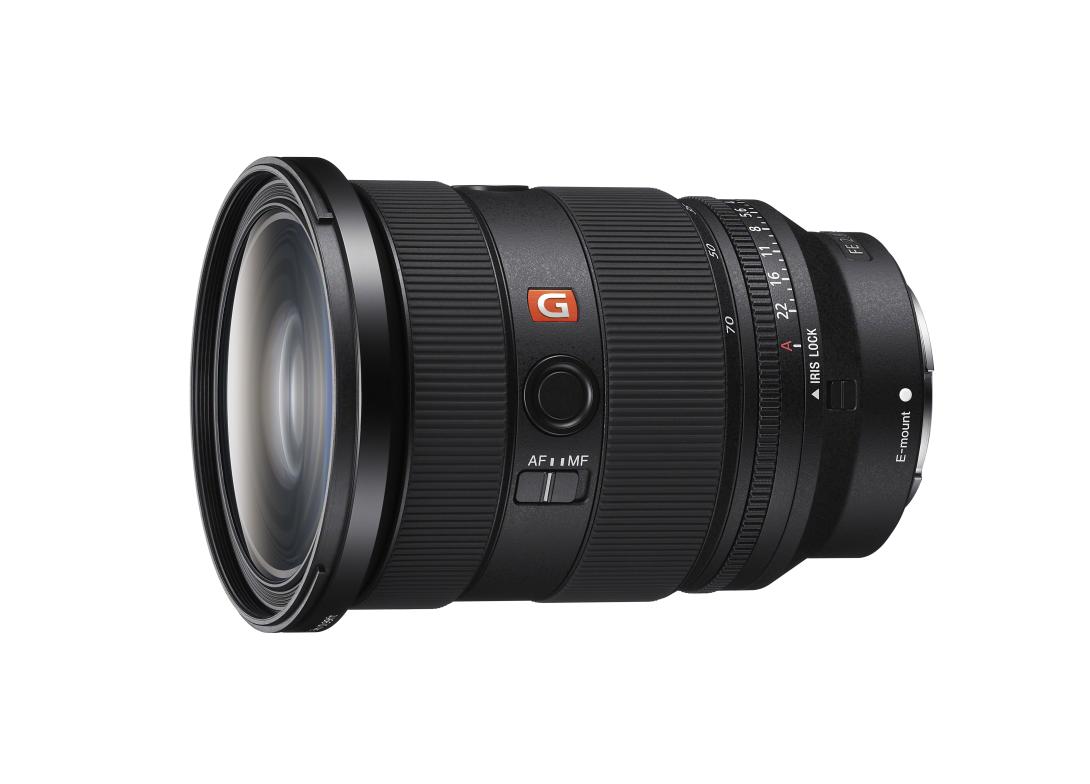
- Standard zoom lens
Why? Fireworks require long exposure shooting, so your camera must stay completely still.
Step 1: Choose a Good Spot
Arrive early while it is still bright outside.
Look for:
- Clear view of the sky
- No street lights or electrical wires blocking the shot
- Main viewing area for the best angle
Tips:
- Keep your tripod low so you don’t block other people
- Avoid windy or shaky surfaces
- Check if tripods are allowed at the venue
Step 2: Select Your Lens
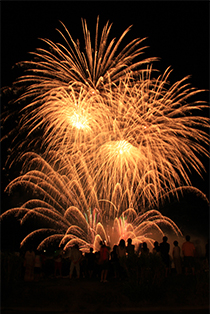
Wide Angle (20–28mm)
Best for:
- Large fireworks scenes
- Capturing more sky and scenery
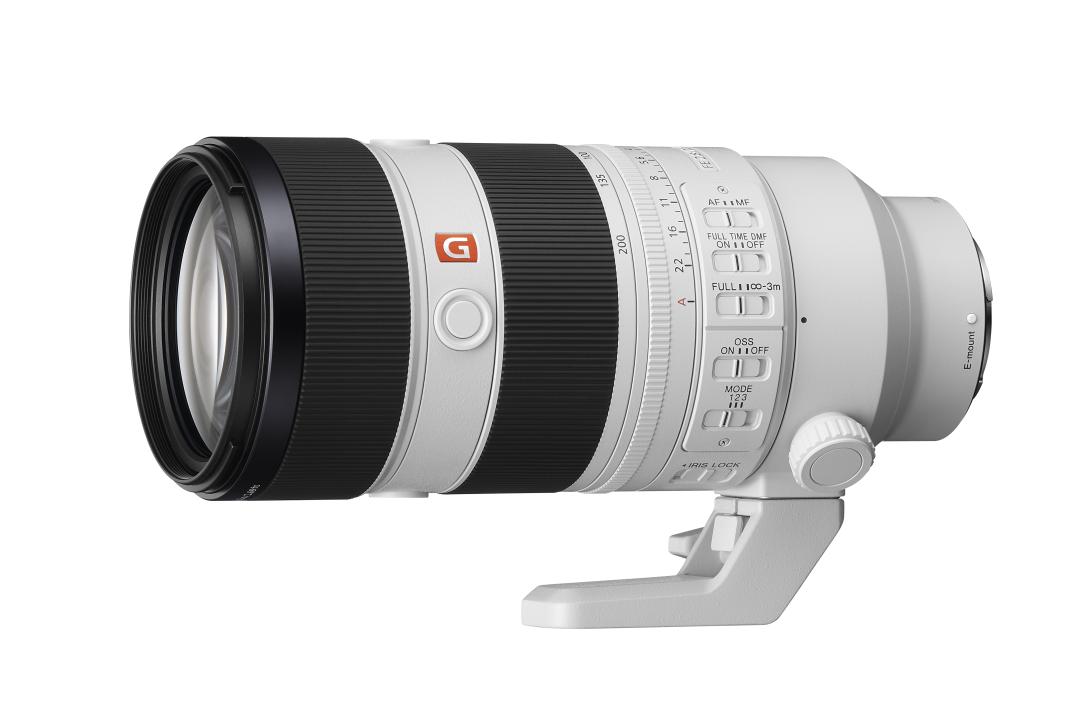
Telephoto (70mm and above)
Best for:
- Close-up fireworks details
- Shooting from far away
Focal length: 20 mm |
Focal length: 70 mm |
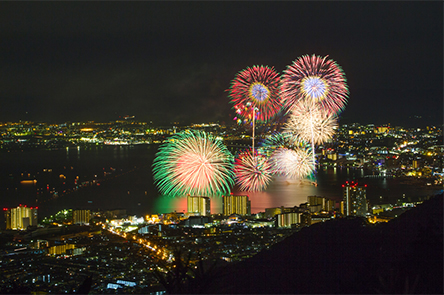 Image taken from a distance with telephoto setting. | |
Step 3: Set Your Camera to Manual Mode
Switch your camera to:
M Mode (Manual)
This gives you full control of:
- ISO
- Aperture
- Shutter speed
Step 4: Use These Recommended Camera Settings
ISO: 100
Fireworks are already very bright.
Keep ISO low to:
- Reduce noise
- Keep photos clean and sharp
Aperture: f/10 to f/18
Recommended starting point:
f/13
- Too bright → increase f-number
- Too dark → lower f-number
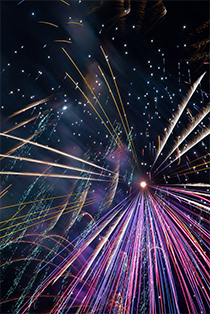
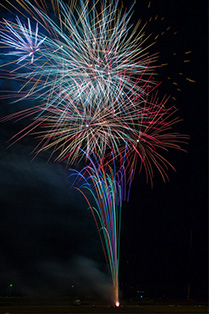
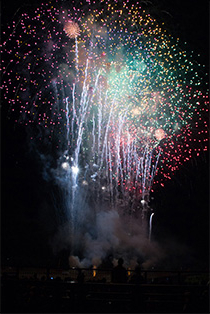
Shutter Speed: BULB Mode
BULB mode lets you control how long the shutter stays open.
How to Shoot
- Open the shutter when fireworks launch
- Keep it open while the fireworks burst
- Close it once the fireworks fade
This creates beautiful light trails.
Shutter speed: 4 seconds |
Shutter speed: 1/100 second |
Step 5: Use a Remote Commander
A remote commander helps:
- Reduce camera shake
- Keep photos sharp
- Control long exposures more easily
It is especially useful for:
- BULB mode
- Exposures longer than 30 seconds
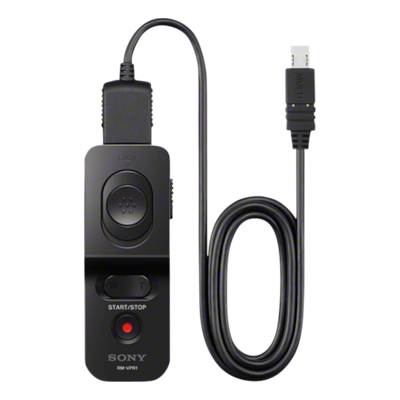
Compatible Sony Remote Commanders
- RMT-VP2
- RM-VPR1

Step 6: Turn OFF These Camera Settings
Disable:
- Long Exposure NR
- SteadyShot / Image Stabilization
These settings can affect long exposure fireworks shots when using a tripod.
Step 7: Focus Correctly
Use:
Manual Focus (MF)
Fireworks can confuse autofocus.
Easy Focus Method
- Use the first few fireworks to focus
- Zoom into playback to check sharpness
- Keep the same focus after it looks sharp
Helpful Features
- Focus Magnifier
- MF Assist
Beginner tip: You can use autofocus first, then switch to manual focus.
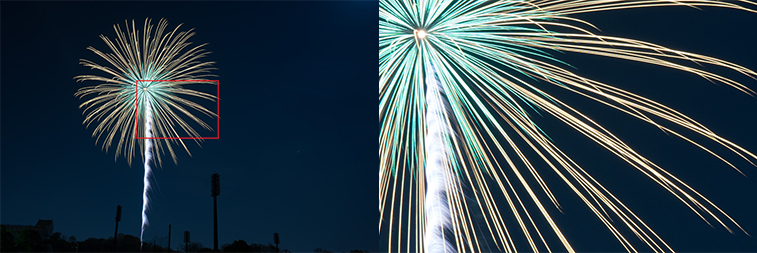 Magnify part of the fireworks on the playback screen. |
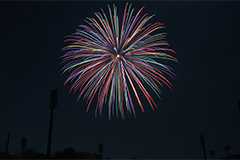
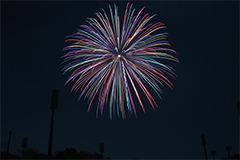
Step 8: Adjust White Balance for Better Colors
AWB (Auto White Balance)
Good general setting for beginners.
Incandescent
Best for:
- Cyan fireworks
- Pink fireworks
- Lemon yellow fireworks
Daylight
Best for:
- Orange-colored fireworks
AWB white balance |
Incandescent white balance |
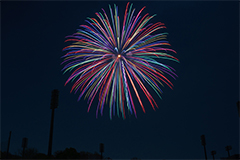
Higher saturation |
Step 9: Make Colors More Vibrant
For richer colors:
- Increase Saturation
- Use Creative Style / Creative Look settings
If photos look:
- White
- Washed out
- Dull
Then your image may be overexposed.
Fix:
- Increase the f-number slightly
- Shoot again
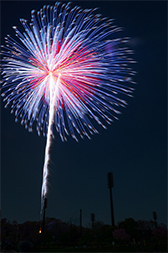
Step 10: Try Different Compositions
Vertical Composition
Best for:
- Single fireworks bursts
Horizontal Composition
Best for:
- Wide finale fireworks
- Fireworks with city scenery
Quick Beginner Settings Cheat Sheet
| Setting | Recommended |
|---|---|
| Mode | Manual (M) |
| ISO | 100 |
| Aperture | f/13 |
| Shutter | BULB |
| Focus | Manual Focus |
| White Balance | AWB or Incandescent |
| Support | Tripod + Remote Commander |
Common Beginner Mistakes
- Handholding the camera
- Using high ISO
- Shutter speed too fast
- Forgetting to turn off stabilization
- Blocking people with tripod
Final Tip
The best fireworks photos come from practice and timing.
Start with simple settings:
- ISO 100
- f/13
- BULB mode
Then experiment with:
- Different shutter lengths
- Composition
- White balance
- Zoom levels
Most importantly — enjoy the fireworks while shooting!