


Get the Best Sound from your Sony Home Theatre Calibrated in Minutes
At Sony, we believe great sound should be easy to achieve. That's why we've made it simple to optimize your home theatre audio using the BRAVIA Connect App.
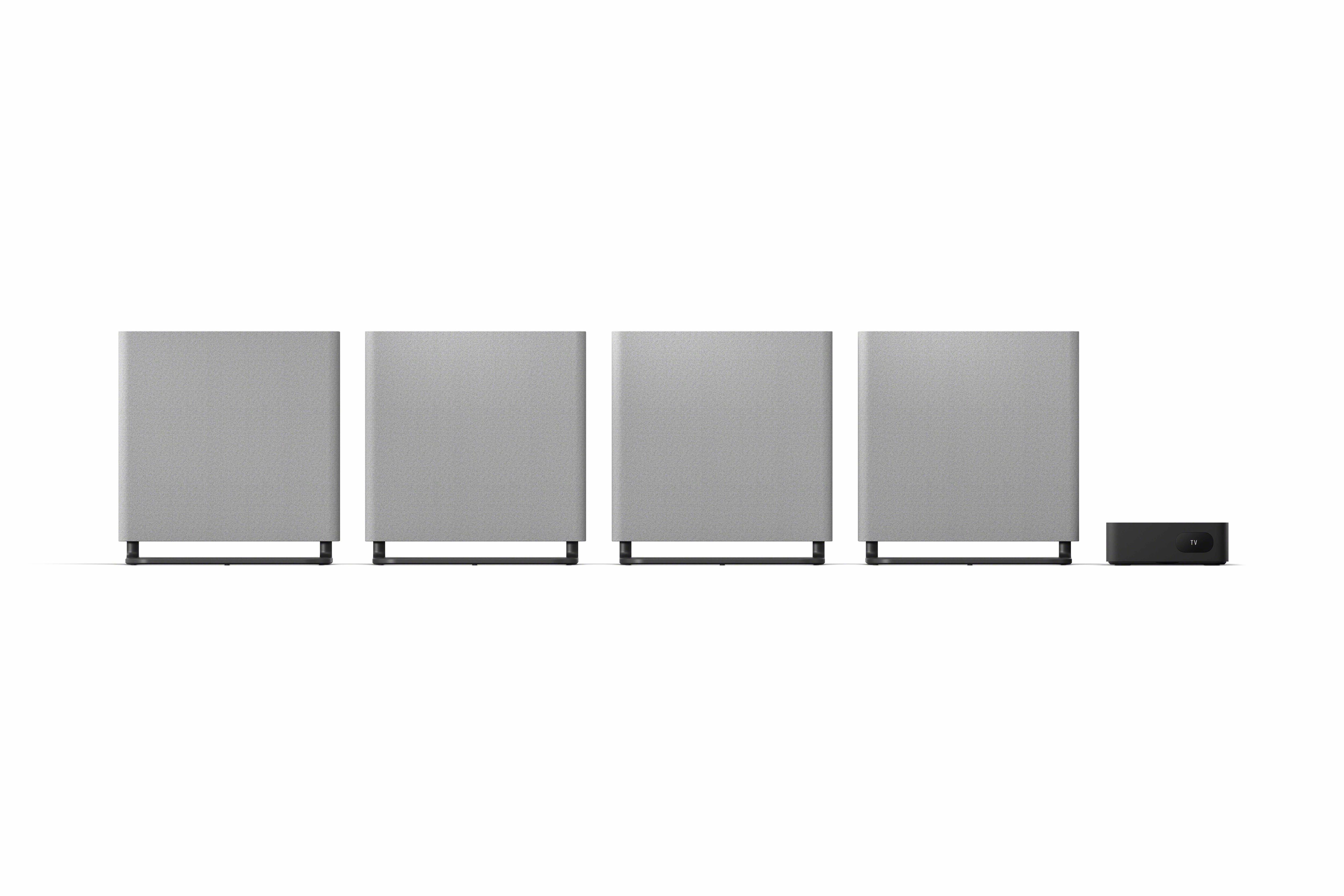
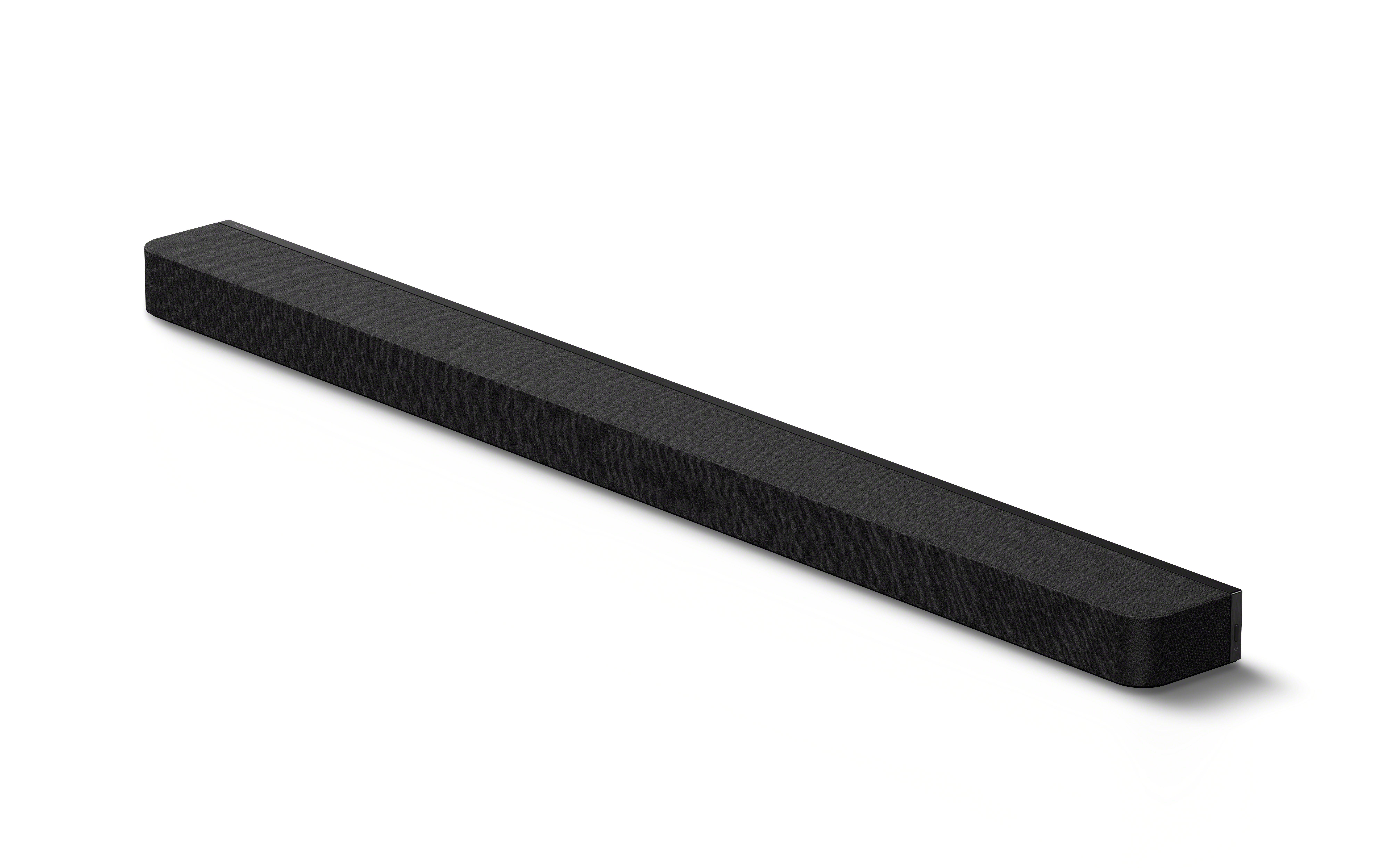
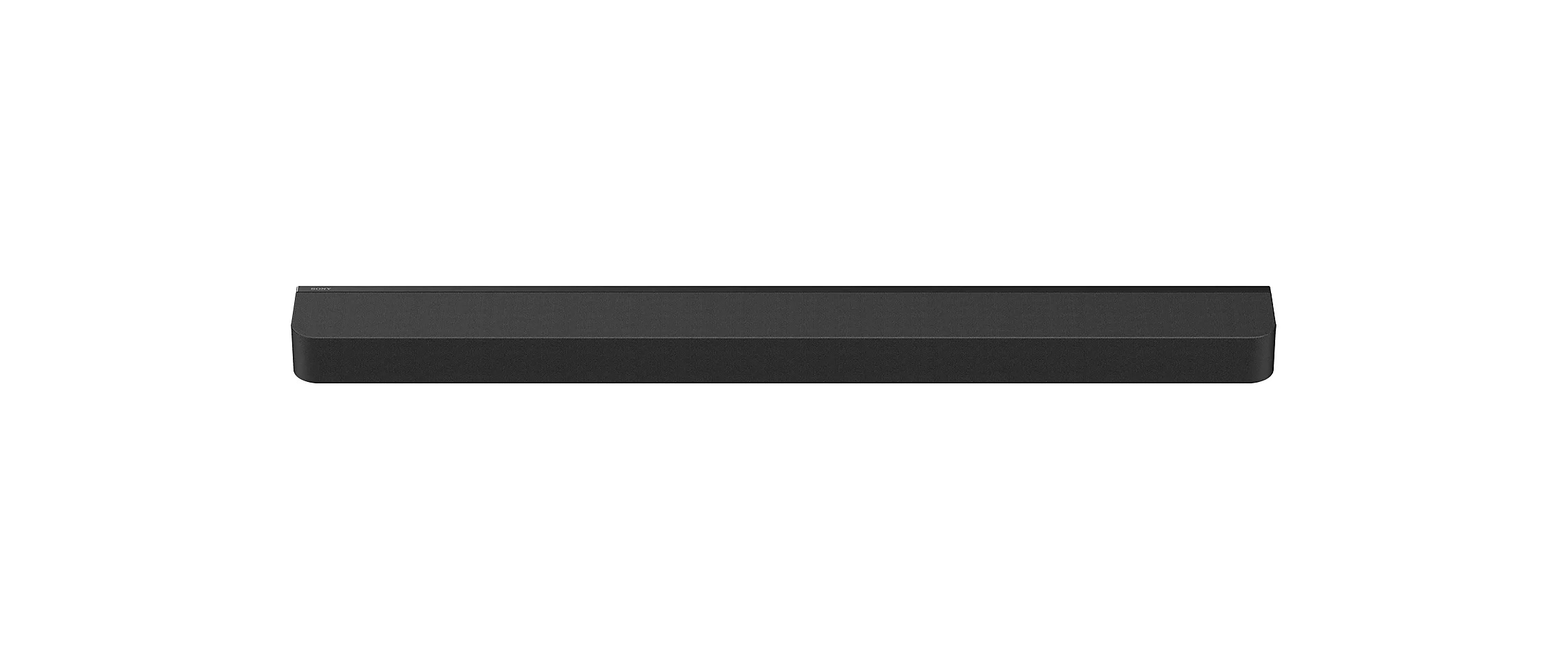
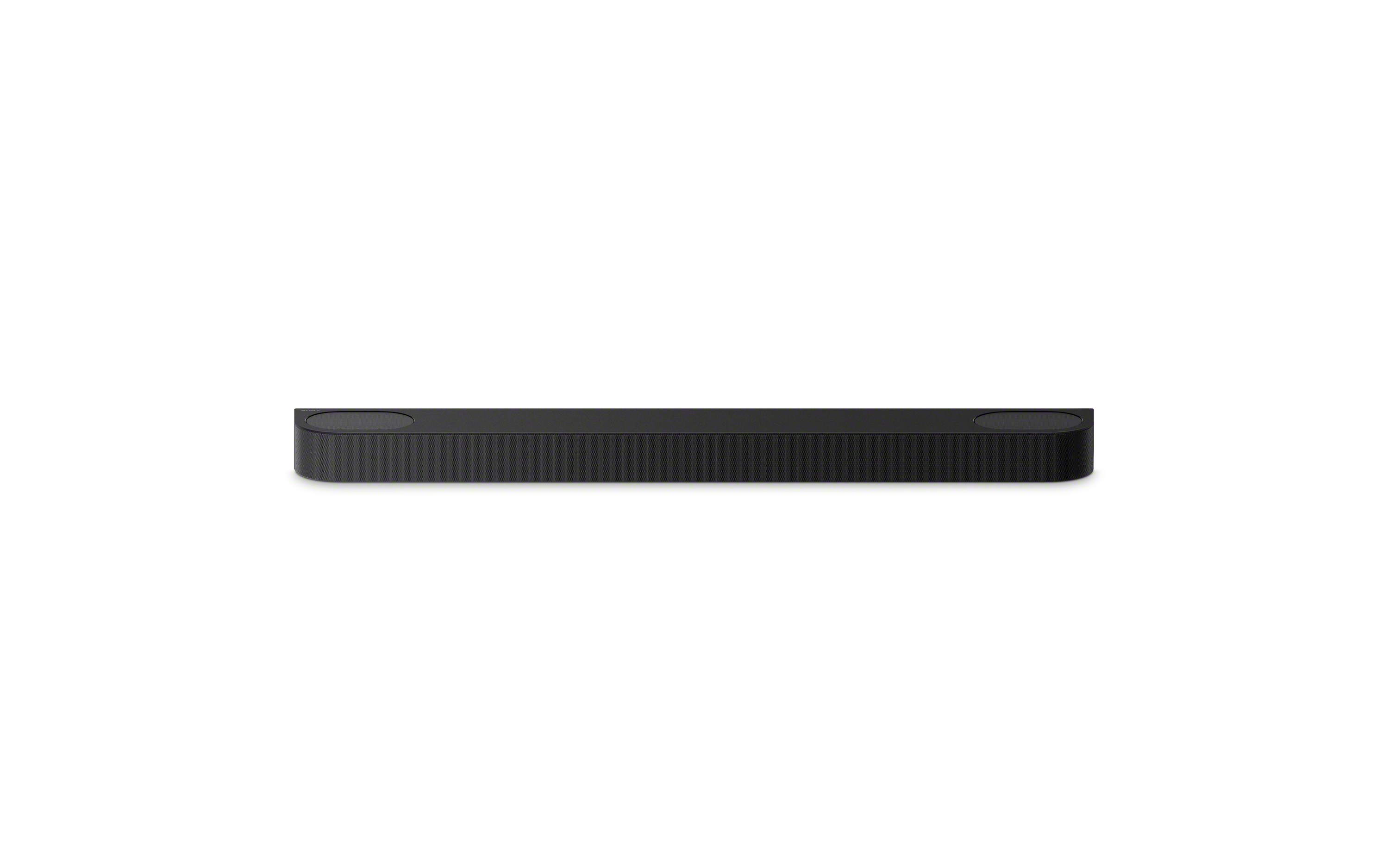
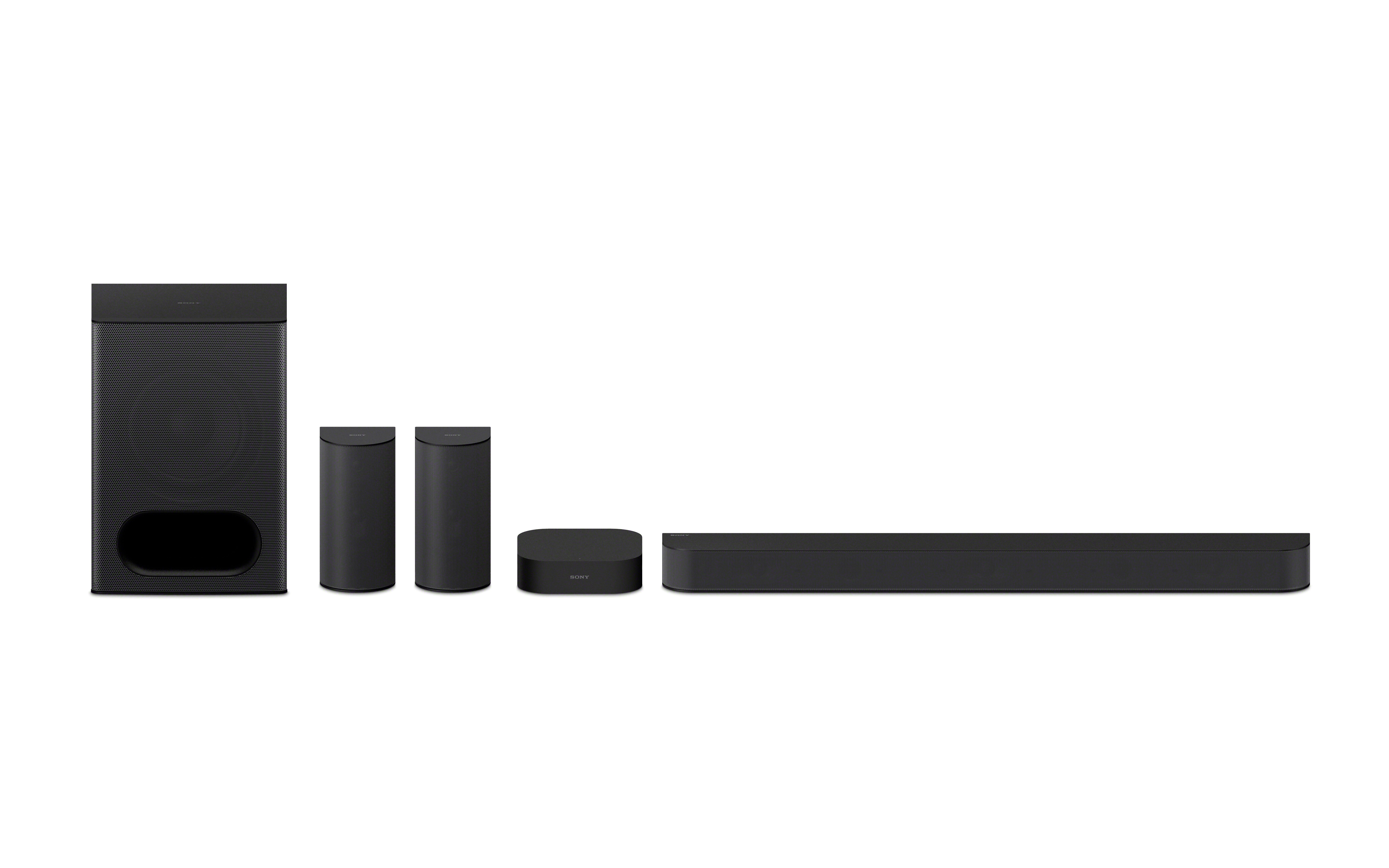
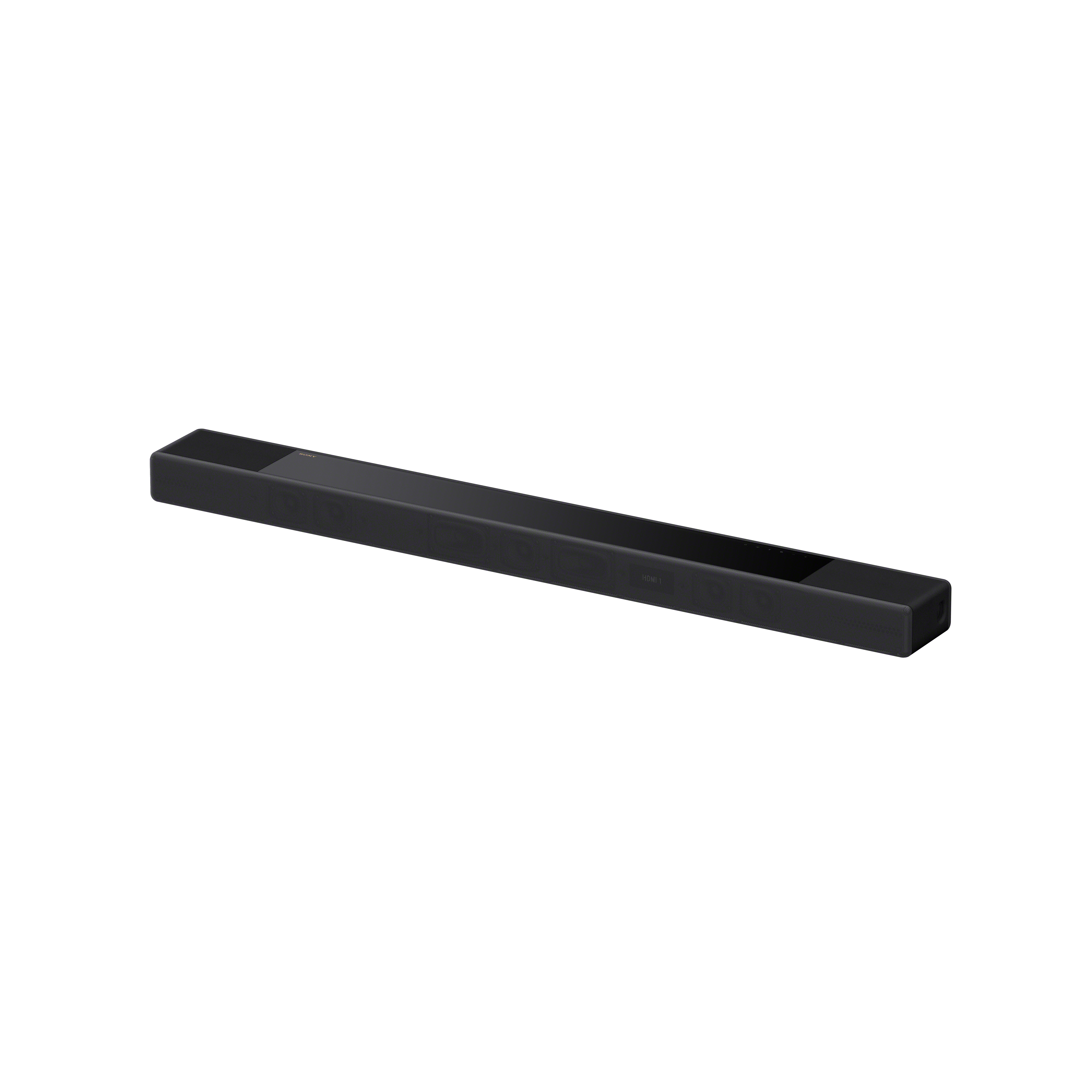
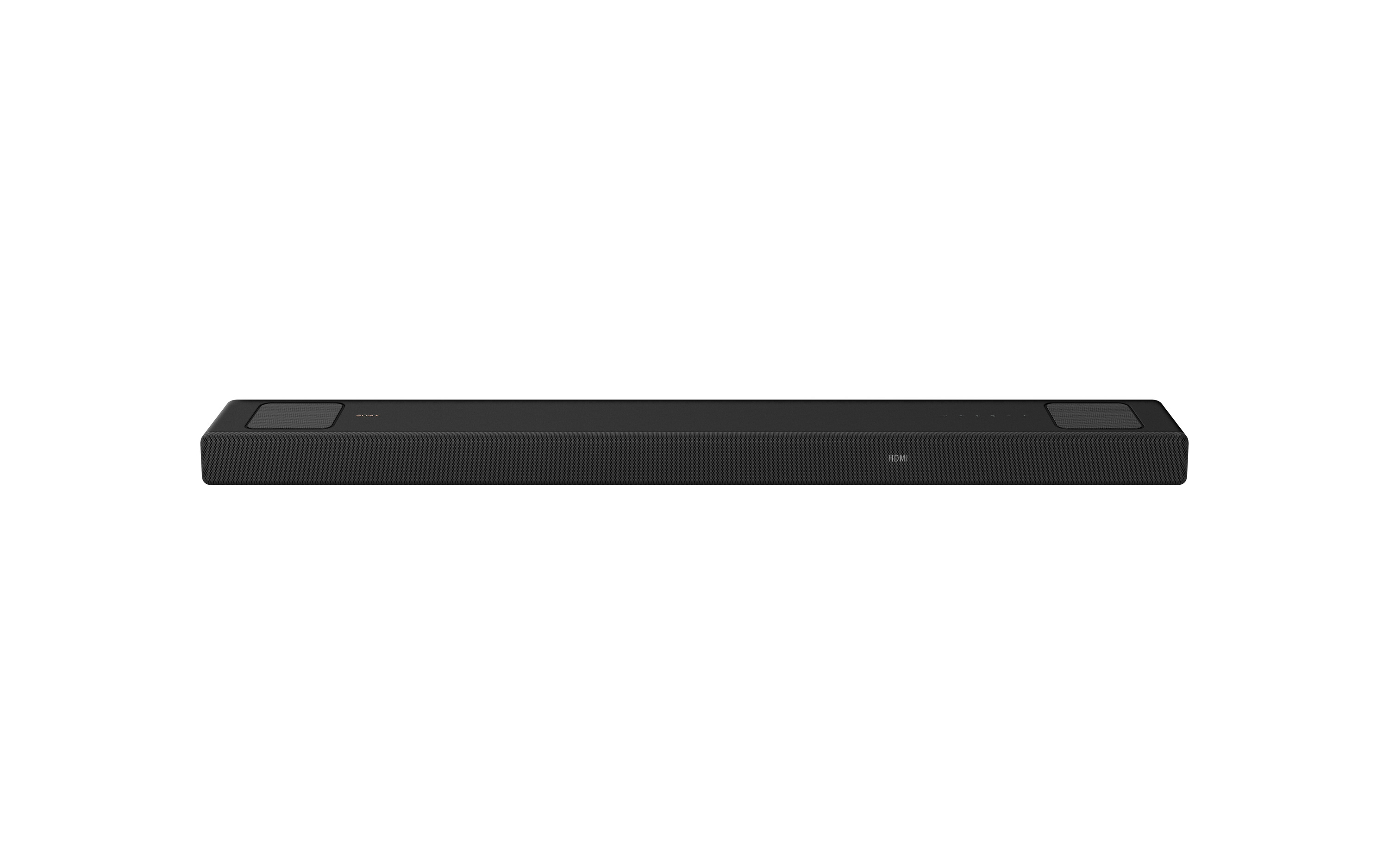
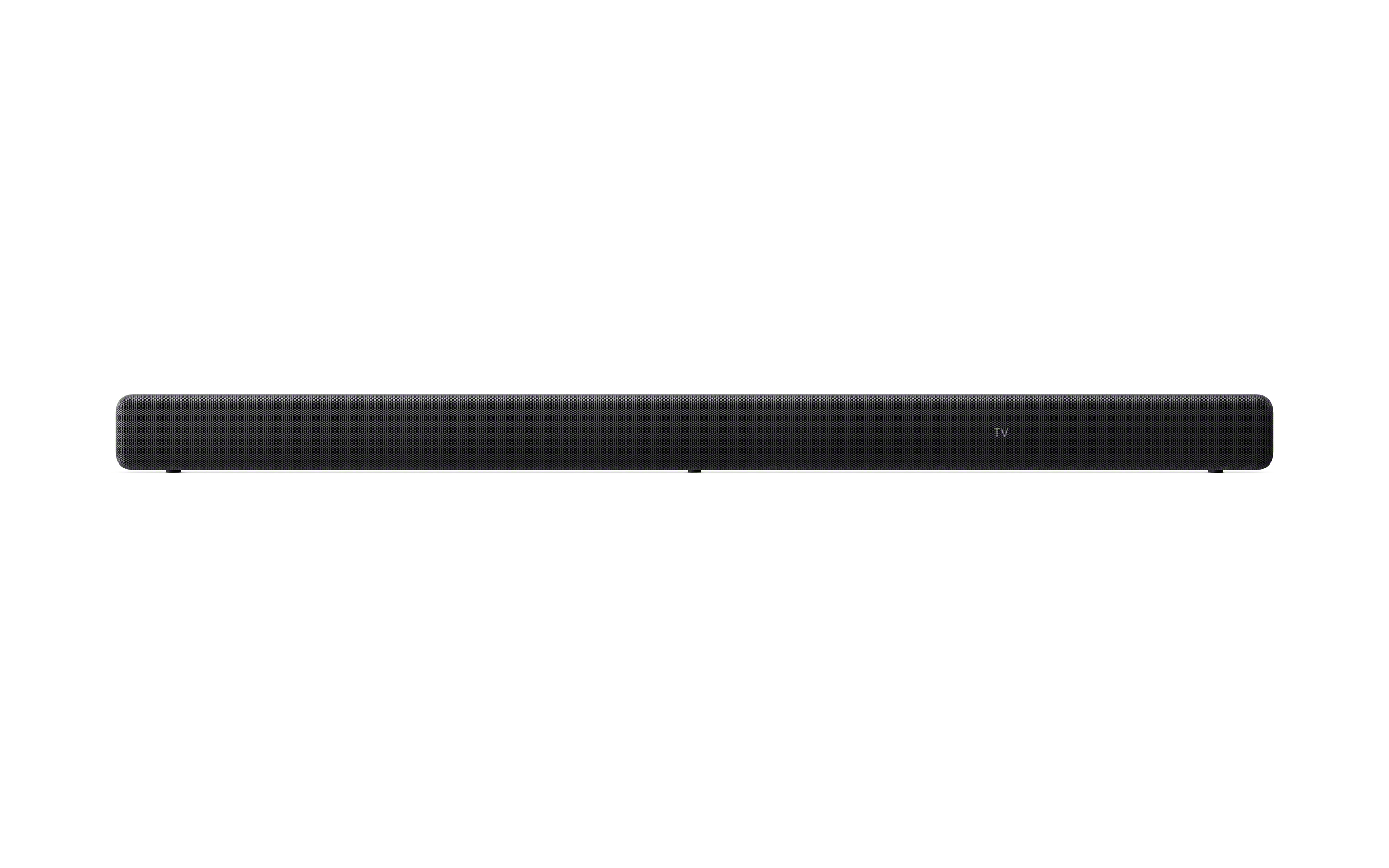
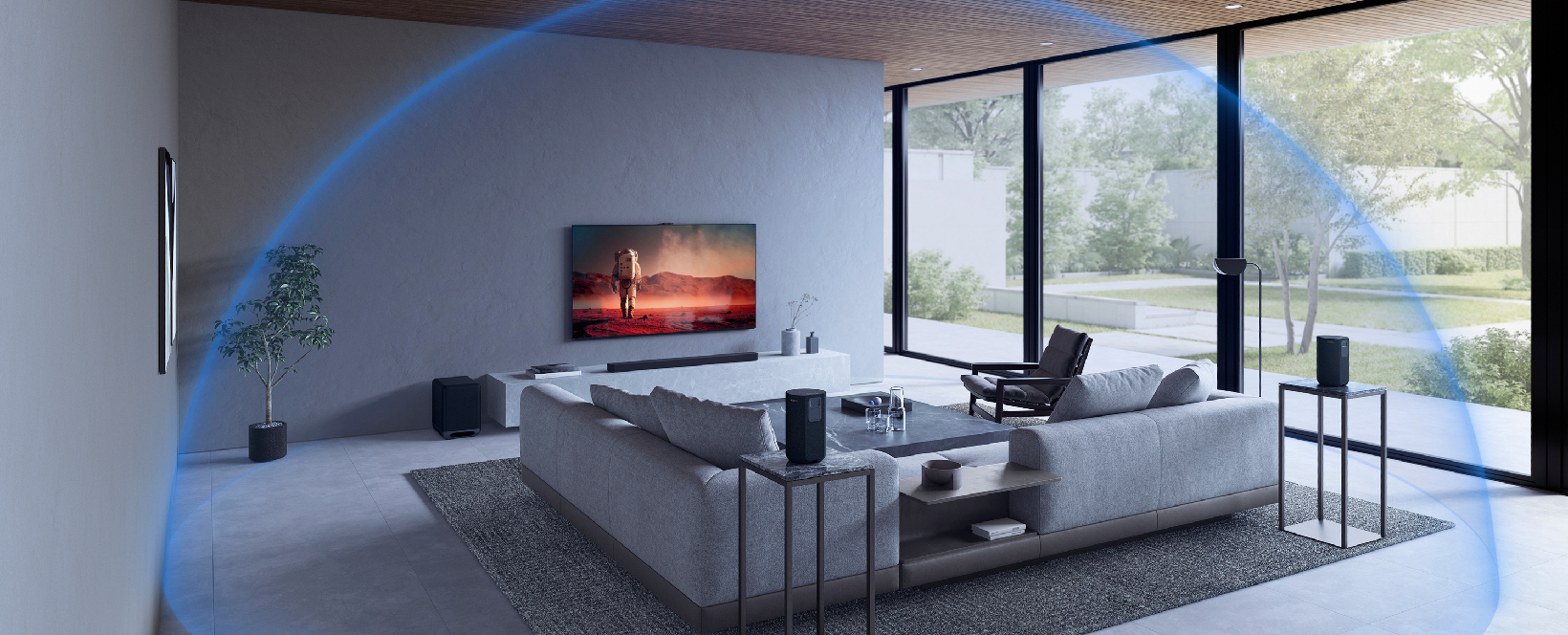
In this video guide, we will walk you through setting up your Sony home audio system and running Calibration and Sound Field Optimization. Once your system is connected to the BRAVIA Connect App, you can start the calibration process with just a few taps. The system automatically measures your room environment and speaker positions, then it adjusts the audio settings to deliver a balanced, immersive surround sound tailored specifically to your space.
This quick optimization ensures clearer dialogue, deeper bass, and a more cinematic listening experience — without requiring technical knowledge. And if you ever encounter issues during calibration, our support resources are ready to help you get back on track.
With Sony's automated sound optimization, you can spend less time adjusting settings and more time enjoying the powerful the powerful, perfectly tuned audio at home.