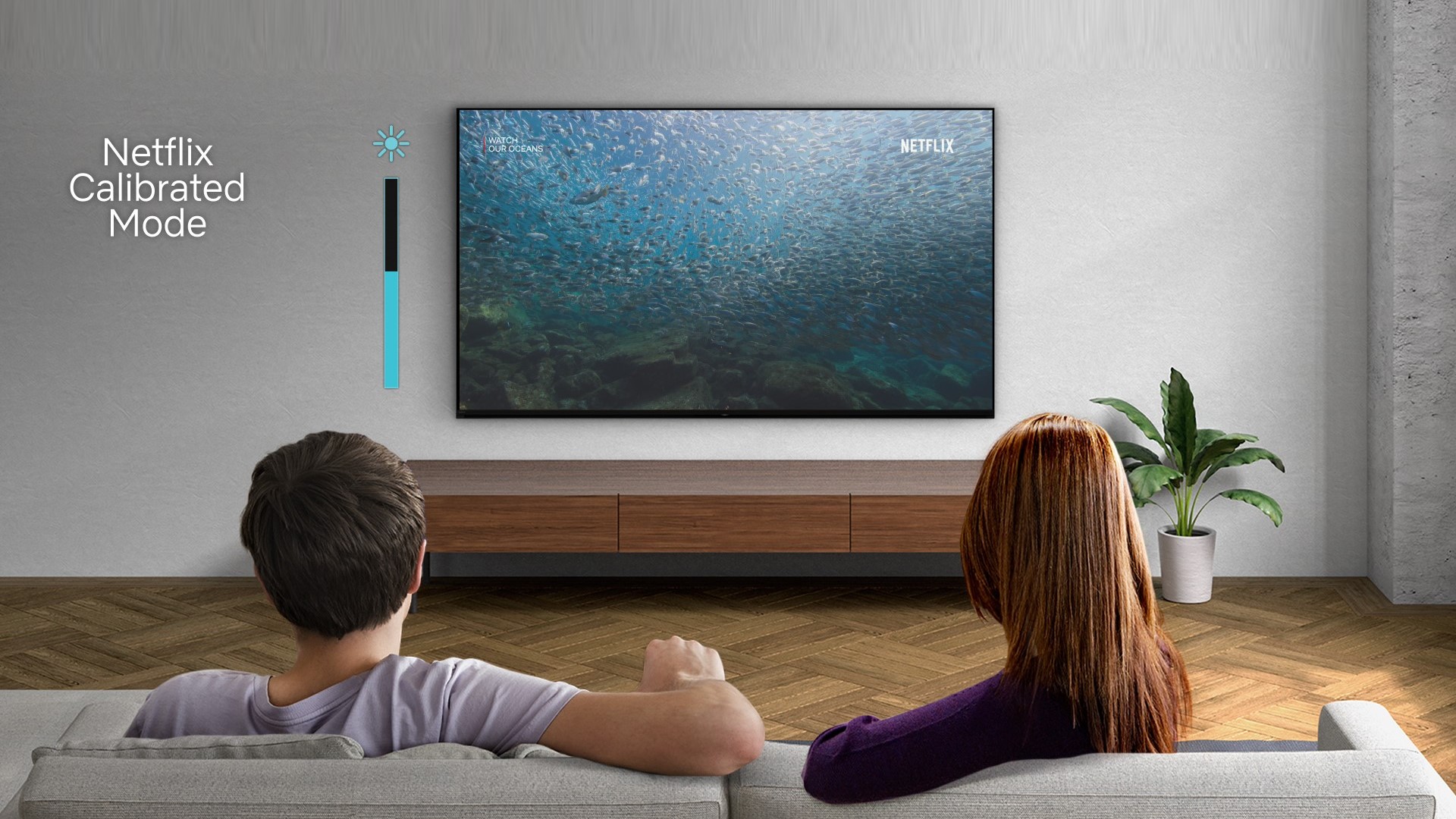



Unlock the Ultimate Viewing Experience on your Sony Bravia TV!
Want your TV to deliver stunning picture quality just like in the studio? Sony's BRAVIA TVs have a Studio Calibrated Mode designed to bring you cinematic perfection with accurate colors, deep contrasts, and brilliant details.
Here's how to do that:
Log in to one of the streaming or entertainment apps below:
- Netflix
- Prime Video
- Sony Pictures Core
On the remote control, press the Quick Settings (spanner or gear) button, then select Settings.
- Select Picture & Sound
- Select Picture
- Select the displayed Studio Calibrated mode and set it to On or Off
Pro Tips:
• When Studio Calibrated mode is active, the streaming picture quality may appear different from regular broadcasts and other video content.
• Turn off Studio Calibrated mode if you want to select other Picture mode settings.
Enjoy a visual masterpiece, whether you're watching movies, sports, or playing games!