INTRODUCTION 2 VIDEO
Proficiency
Recommended For Beginner
Workshop Fees (Include GST)
Public:S$220
My Sony Members:S$90
SCHEDULE
No schedule is available currently.
Please click on the "Notify Me" button on the left hand side to be notified of the new schedule.
Join visual creative Claudio Chock as he guides you through the fundamentals of video, providing an in-depth overview of the technical capabilities of your Sony Alpha cameras.
This workshop combines classroom instruction with hands-on practice, making it ideal for beginners in videography. Claudio will cover technical aspects, camera operations, and lead you through the process of editing your first video timeline and exporting it as a finished video file.
- Spots for our workshops are reserved for Sony Alpha camera owners only. If you do not own a Sony Alpha camera but wish to join this workshop and try our Sony E Mount camera, please follow up with an email to msainquiry.sg@sony.com, stating your request to borrow a camera. Otherwise, you may be turned away at the workshop.
- Completion of the Fundamental Handling Workshop for your camera model OR basic understanding of exposure and ability to adjust camera settings is required.
- Bring your camera equipped with a standard zoom lens or a 35 to 50mm (Full Frame equivalent) prime lens for practical exercises.
Bring your laptop with the free version of CapCut (Deskptop) installed. (Instructions to download can be found under confirmation email)
Do you have the right lens?
Even if you don't, we will try to arrange a complimentary loan! You are responsible to collect and return the loan item.
BASIC OF VIDEOGRAPHY
11am to 1pm
- Today’s video landscape
- Basic technicalities of video
- The symbiotic relationship between frame rate and shutter speed
- Exposure triangle and what it means for video
- Understanding parameters like resolution, bitrate and white balance
LUNCH BREAK
1pm to 2pm
Not inclusive
SHOOTING VIDEO WITH YOUR ALPHA
2pm to 4.30pm
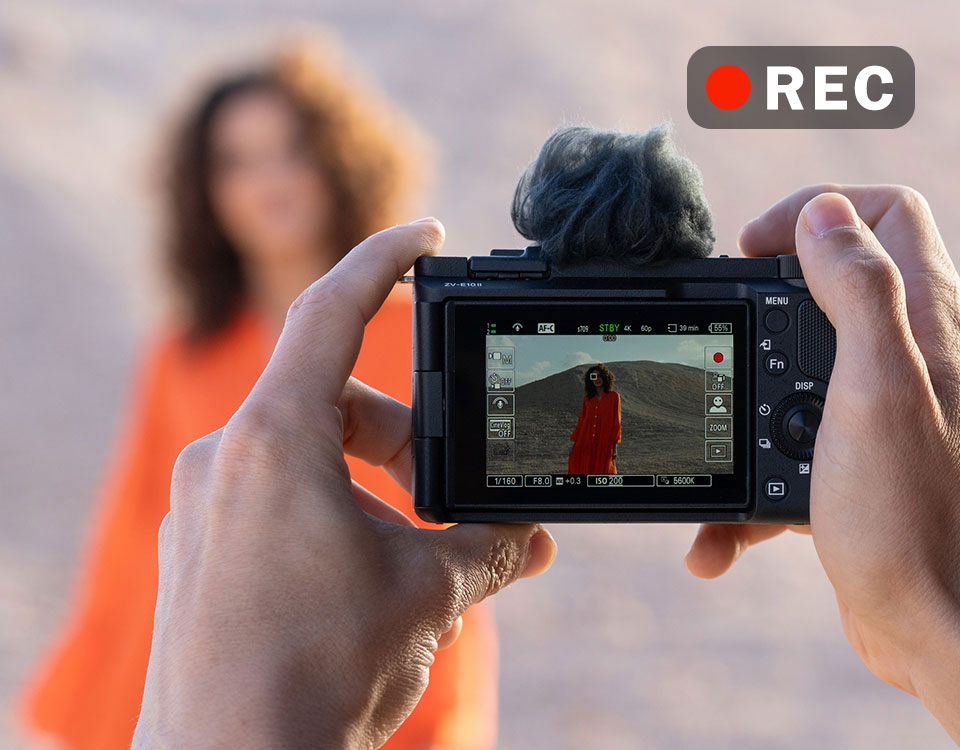
- Setting your Sony Alpha camera for video
- Understanding File Formats and Record Settings
- Understanding Focus settings
- Learning to use Clear Image Zoom
- Learning to use S&Q (Slow & Quick)
- Setting Memory Recall for video
- Tips & techniques to shooting video
- Framing and composition
- 5 essential type of shots for video
- Shooting hand-held
- Support equipment for video
- Practical session
- Putting into practice what Claudio has shared
- Complete a list of shots curated by Claudio
BASIC EDITING ON CAPCUT (DESKTOP)
4.30pm to 6pm
- Importing media files
- Project management
- Overview of editing software
- Creating a sequence
- Basics of cutting/trimming and transitions
- Basics of sound and colour
- Exporting a video