


Article Summary
You can improve your home audio without replacing your entire setup. Depending on your existing equipment, practical upgrades include connecting compatible speakers directly to your BRAVIA TV, adding a subwoofer for deeper bass, adding rear speakers for surround sound, switching to HDMI eARC, and expanding your system gradually.
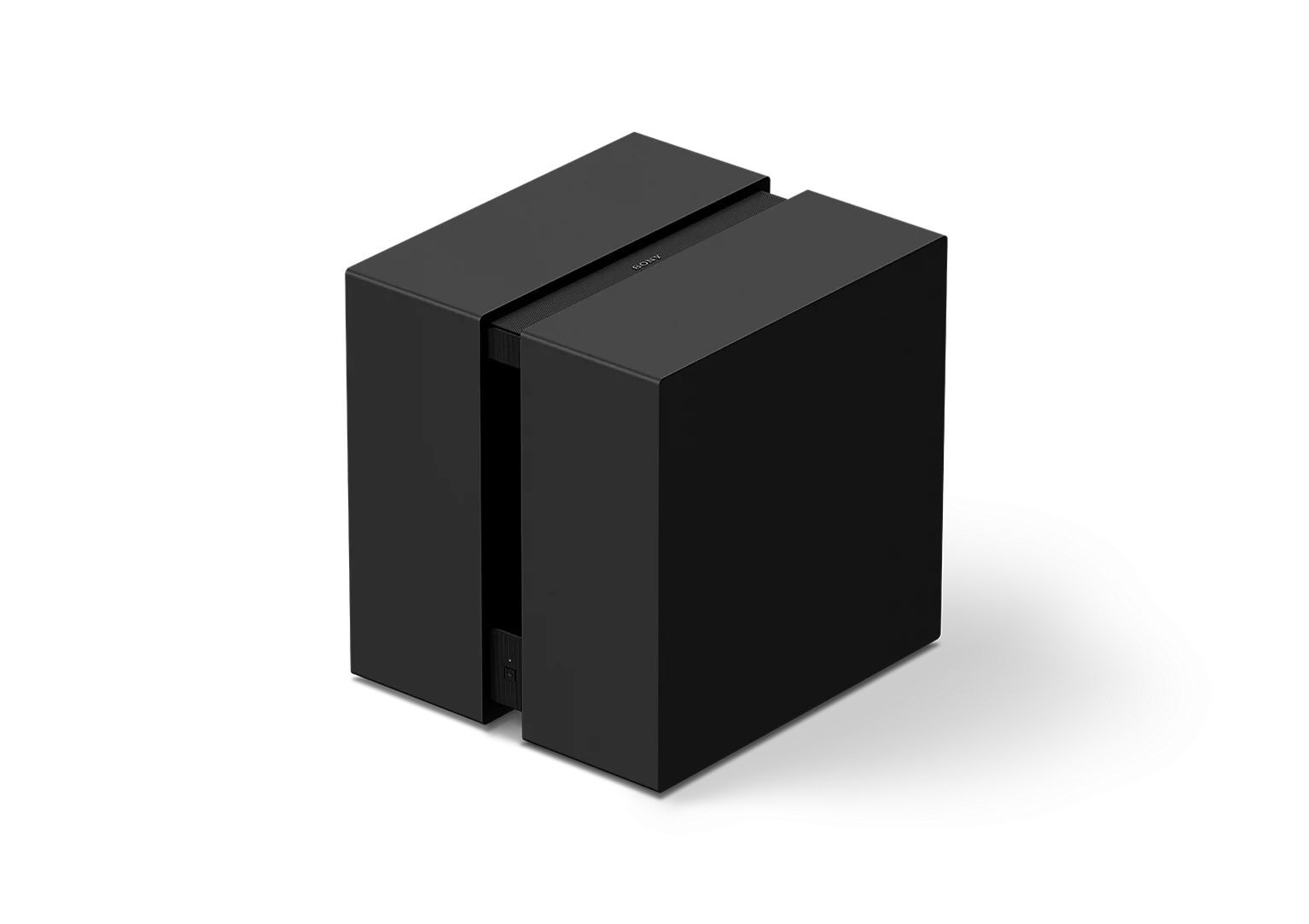
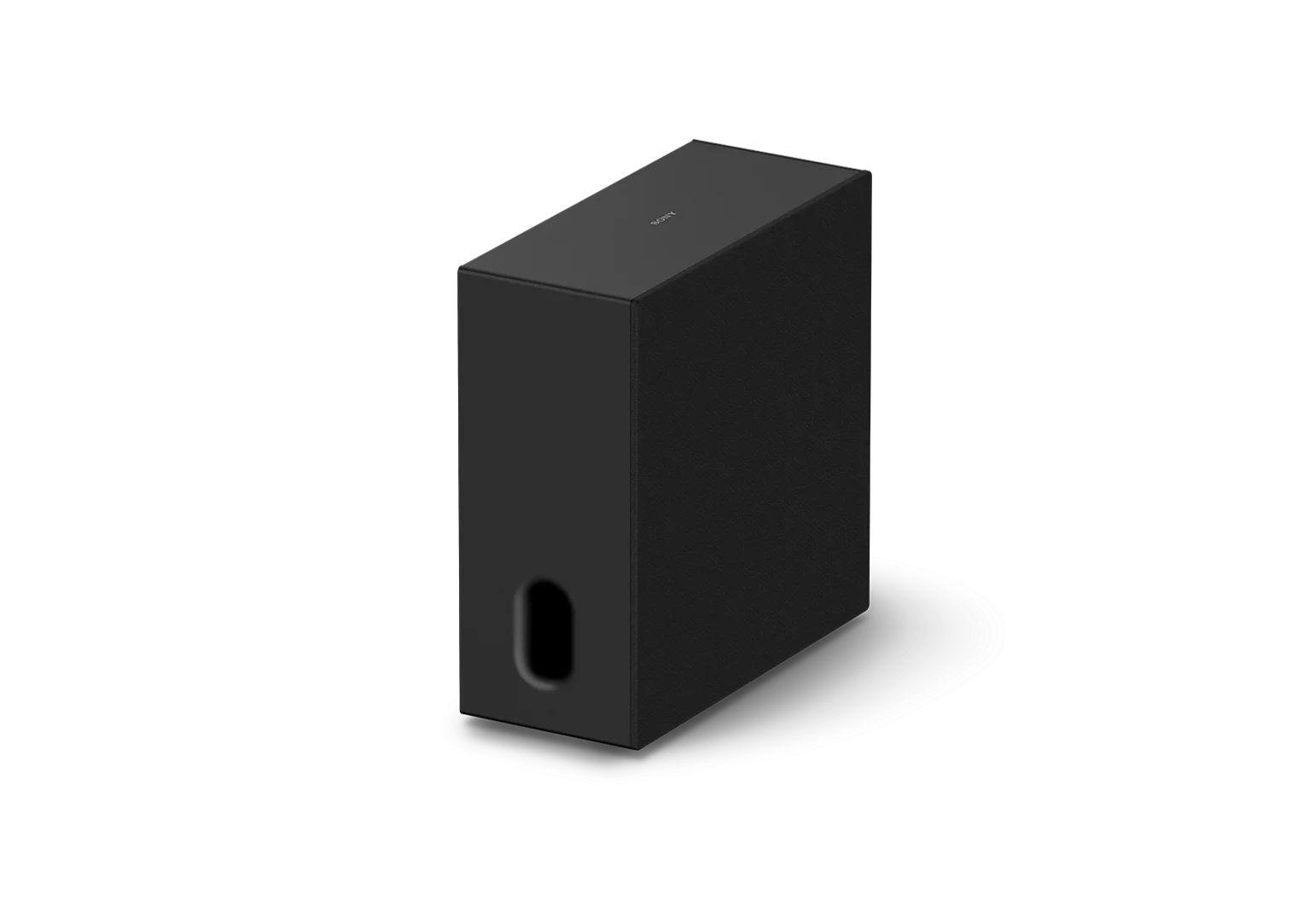
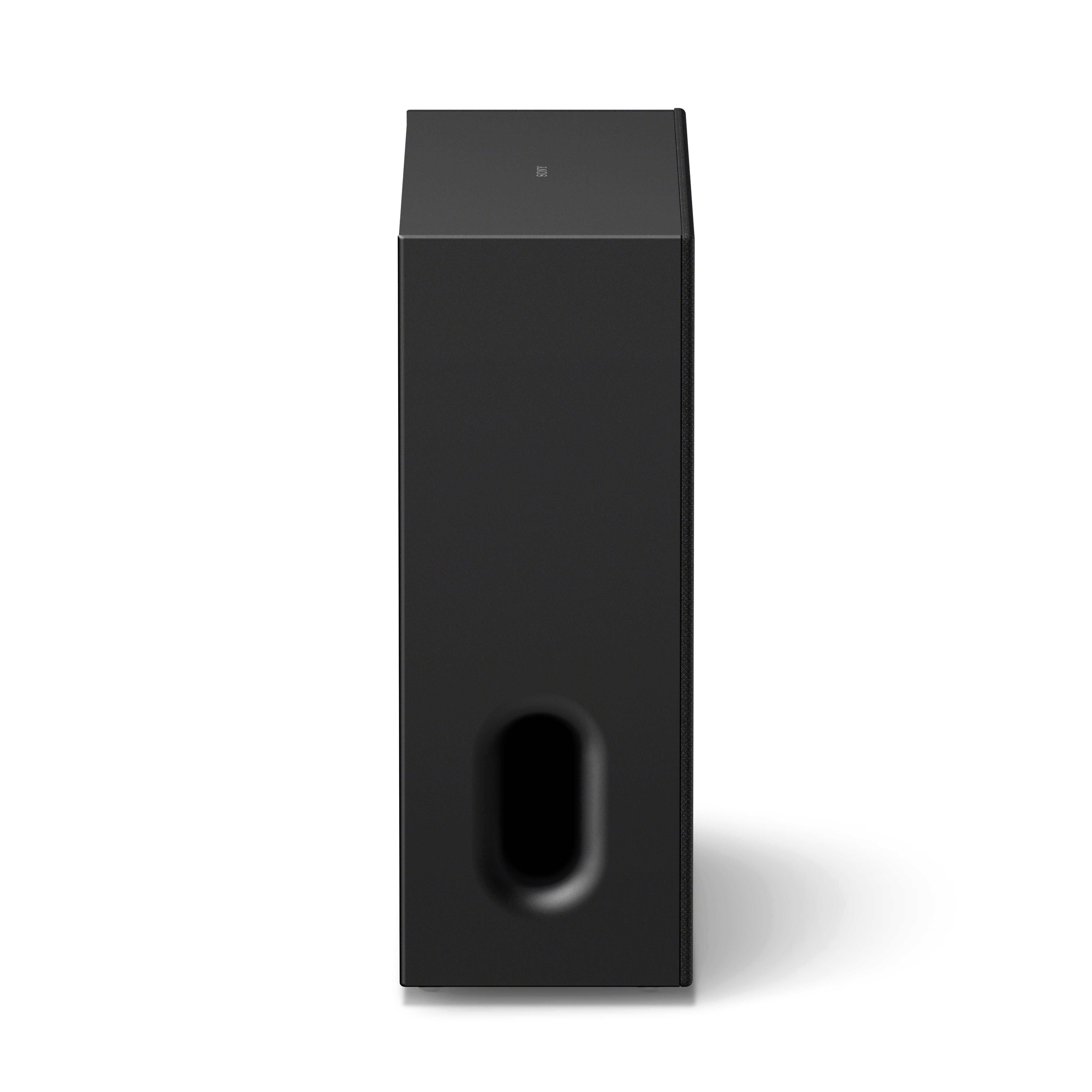
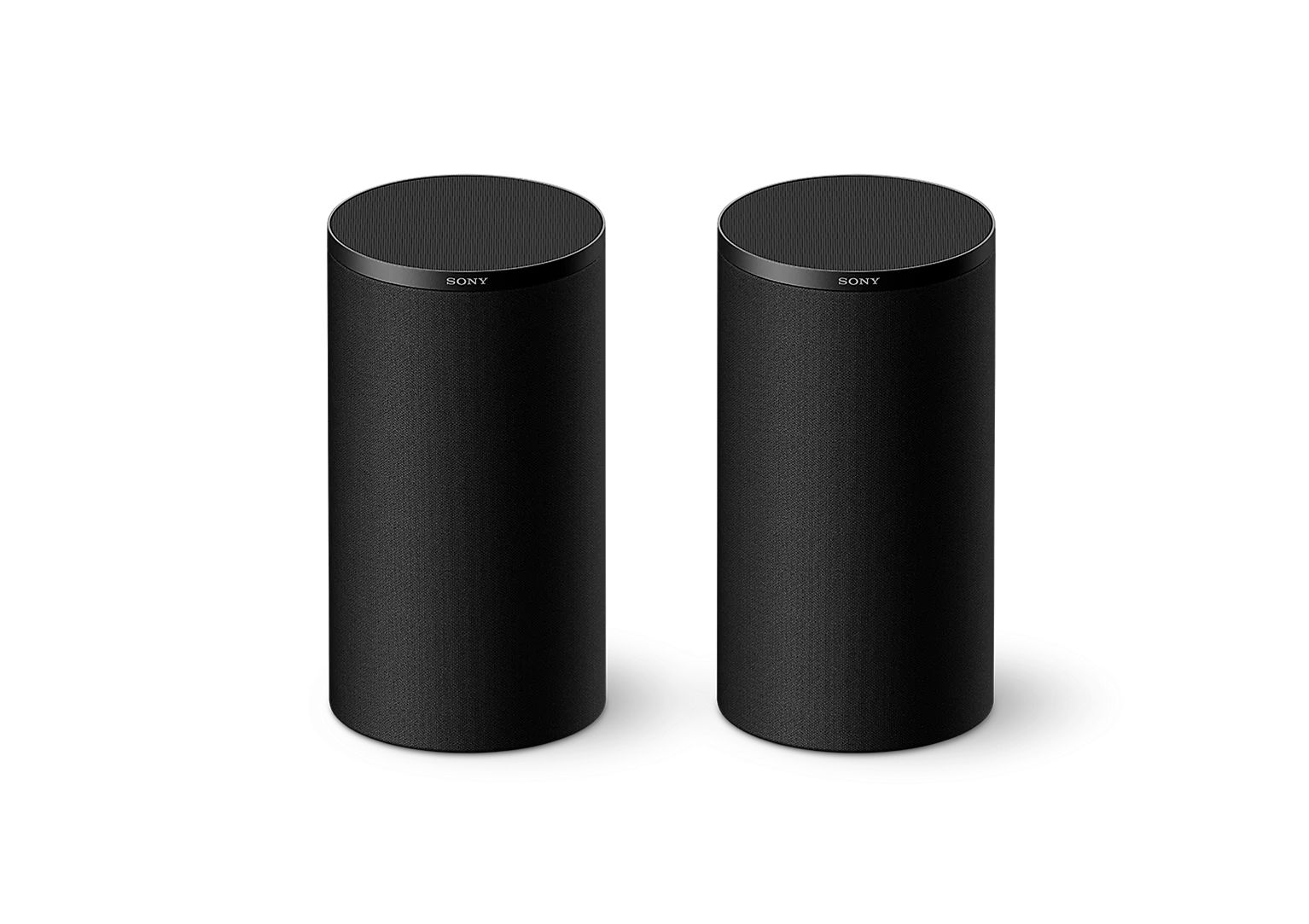
- Direct Connect to BRAVIA: Compatible BRAVIA TVs can connect directly to selected Sony subwoofers and rear speakers without a soundbar.
- Add a subwoofer: Improve low-frequency impact and add greater depth to movies and music.
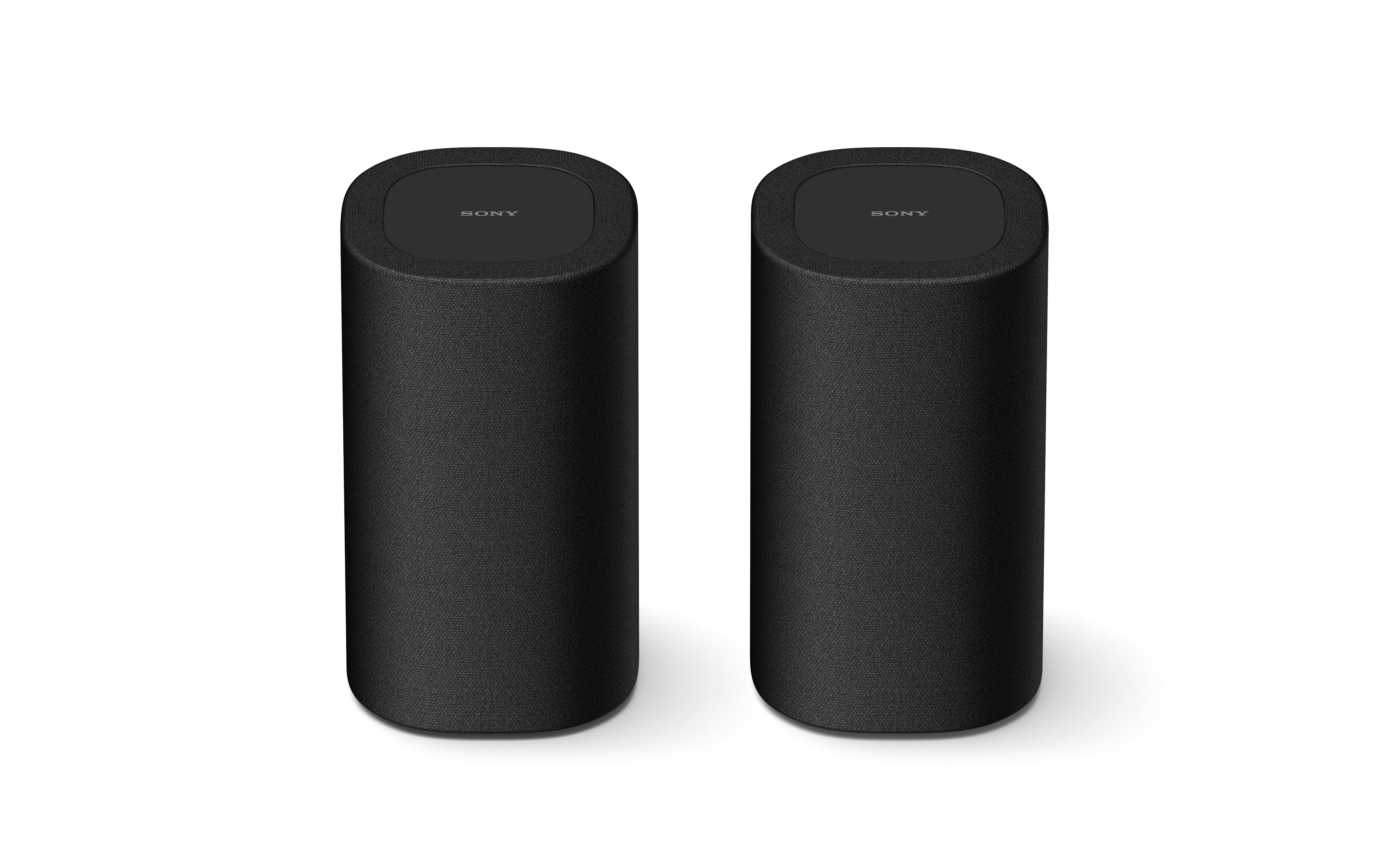
- Add rear speakers: Create a more immersive surround sound experience with greater direction and movement.
- Use HDMI eARC: Take advantage of higher-quality audio formats supported by compatible TVs and soundbars.
- Upgrade in stages: Add compatible components over time instead of replacing your entire home-theatre system at once.
In short: Start with the upgrade that addresses the biggest gap in your current setup, whether that is bass, surround sound, connectivity, or overall immersion.
Upgrading your audio does not have to mean replacing everything at once. Whether you are starting with a Sony soundbar, a compatible BRAVIA TV, or a simple home-theatre setup, small improvements can make a big difference.
The right change depends on what your setup is missing: deeper bass, more immersive surround sound, or a connection that lets your existing equipment perform at its best.
1. Use Direct Connect to BRAVIA
Some compatible BRAVIA TVs can connect directly to Sony subwoofers and rear speakers, bypassing the need for a soundbar entirely. This creates a cleaner setup with fewer components in the chain while expanding your audio without added complexity.
Compatible TV series include:
- BRAVIA 9 II, BRAVIA 7 II, BRAVIA 5, BRAVIA 9, BRAVIA 8 II, BRAVIA 8, BRAVIA 7, and A95L Series
Compatible speakers include:
- BRAVIA Theatre Sub 9, Sub 8, Sub 7, Rear 9, and Rear 8
Whichever upgrade makes sense for your setup, approaching it gradually tends to deliver the best results.

2. Add a Subwoofer to Your Current Setup
Bass is one of the most common gaps in a home audio setup and one of the easiest to address. A subwoofer is designed specifically for low-frequency sounds: the rumble of an explosion, the weight of a bassline, and the physical presence of a film score.
A wireless subwoofer removes the need for extra cables, and positioning it near a wall or corner can strengthen its output. On selected BRAVIA TVs, compatible subwoofers can also connect directly without requiring a soundbar.
A subwoofer improves:
- Deep bass for explosions and sound effects
- Richer sound during music playback
- Greater depth and presence in your home-theatre system

3. Add Rear Speakers for Surround Sound
Rear speakers place audio behind and around your seating position, allowing sound to move naturally across the room rather than arriving from one fixed point. On compatible BRAVIA TVs, surround speakers can connect directly to the TV without a soundbar as a go-between.
When paired with a Dolby Atmos soundbar, they add height and direction to the mix. Sony’s 360 Spatial Sound Mapping technology can generate virtual sound sources around the room for a more seamless result.
Rear speakers add:
- Directional audio for a more immersive experience
- Realistic movement of sound across the room
- A more complete surround sound system

4. Switch to HDMI eARC
The cable connecting your soundbar to your TV can make a meaningful difference. Optical cables have a ceiling on the audio formats they can carry, while Dolby Atmos and DTS:X sit above it. HDMI eARC does not have that limitation.
Check whether both your TV and soundbar have an HDMI eARC port. Making the switch may let the equipment you already own perform better, without replacing anything else.

5. Build Your System in Stages
Sony home-theatre components are designed to work together, so each addition fits into what is already there rather than requiring a rethink of the whole setup.
- Basic setup (TV or soundbar only): start with a wireless subwoofer for greater bass depth.
- Intermediate setup (soundbar and subwoofer): add rear speakers to complete the surround sound system.
- Full setup: combine a Dolby Atmos soundbar, subwoofer, and surround sound speakers for both depth and direction.
Each stage creates a noticeably better listening experience without having to start again from scratch.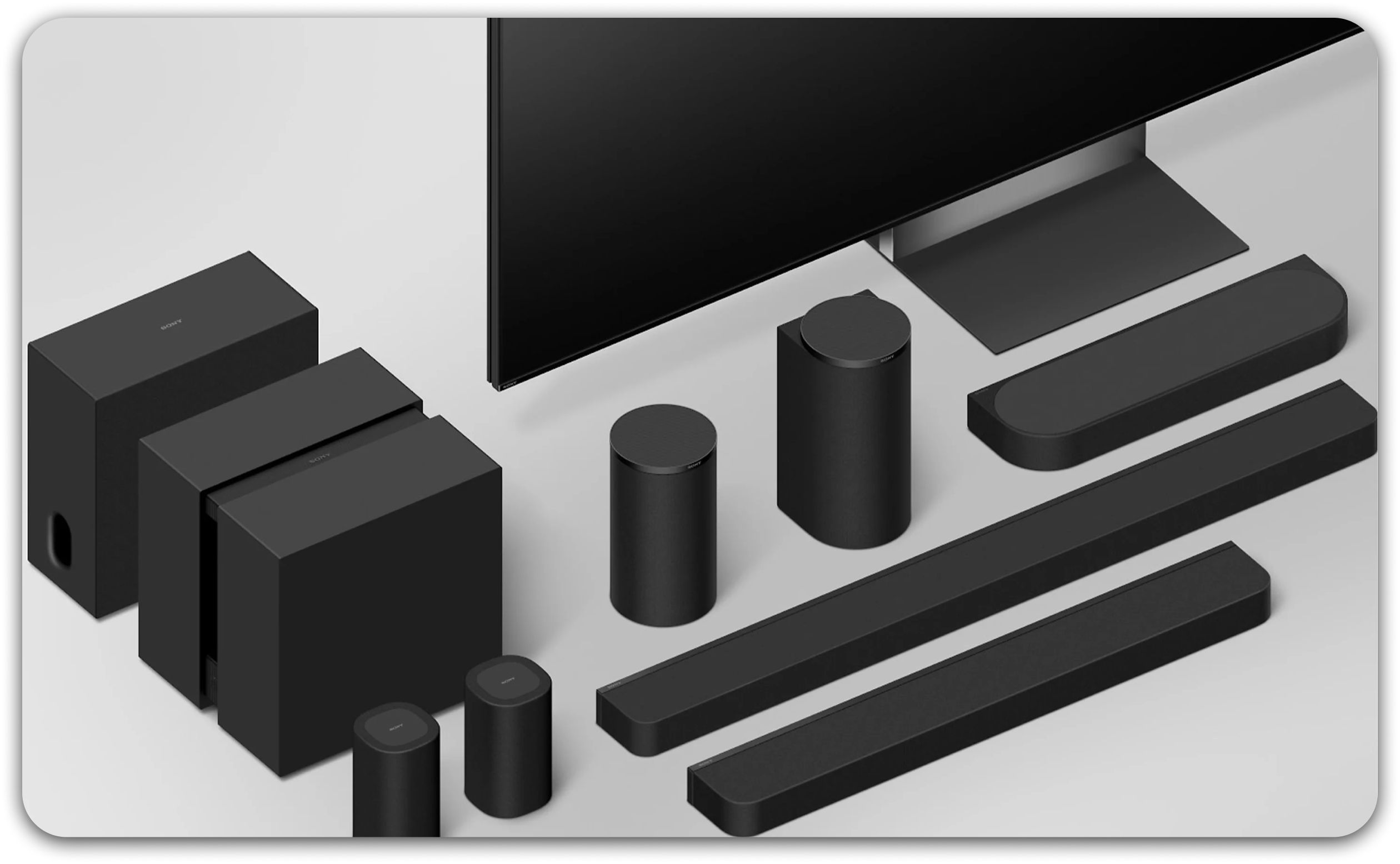
Making the Most of What You Have
Better audio is rarely one big decision. Whether you begin with a bass speaker, a connection upgrade, or rear speakers, each change can bring your home audio setup closer to what it is capable of.
*Please update to the latest system software. Firmware update may be required for compatible TVs and optional speakers.
*Compatibility and availability vary by product, region, and model. Check the relevant product specifications before purchase.