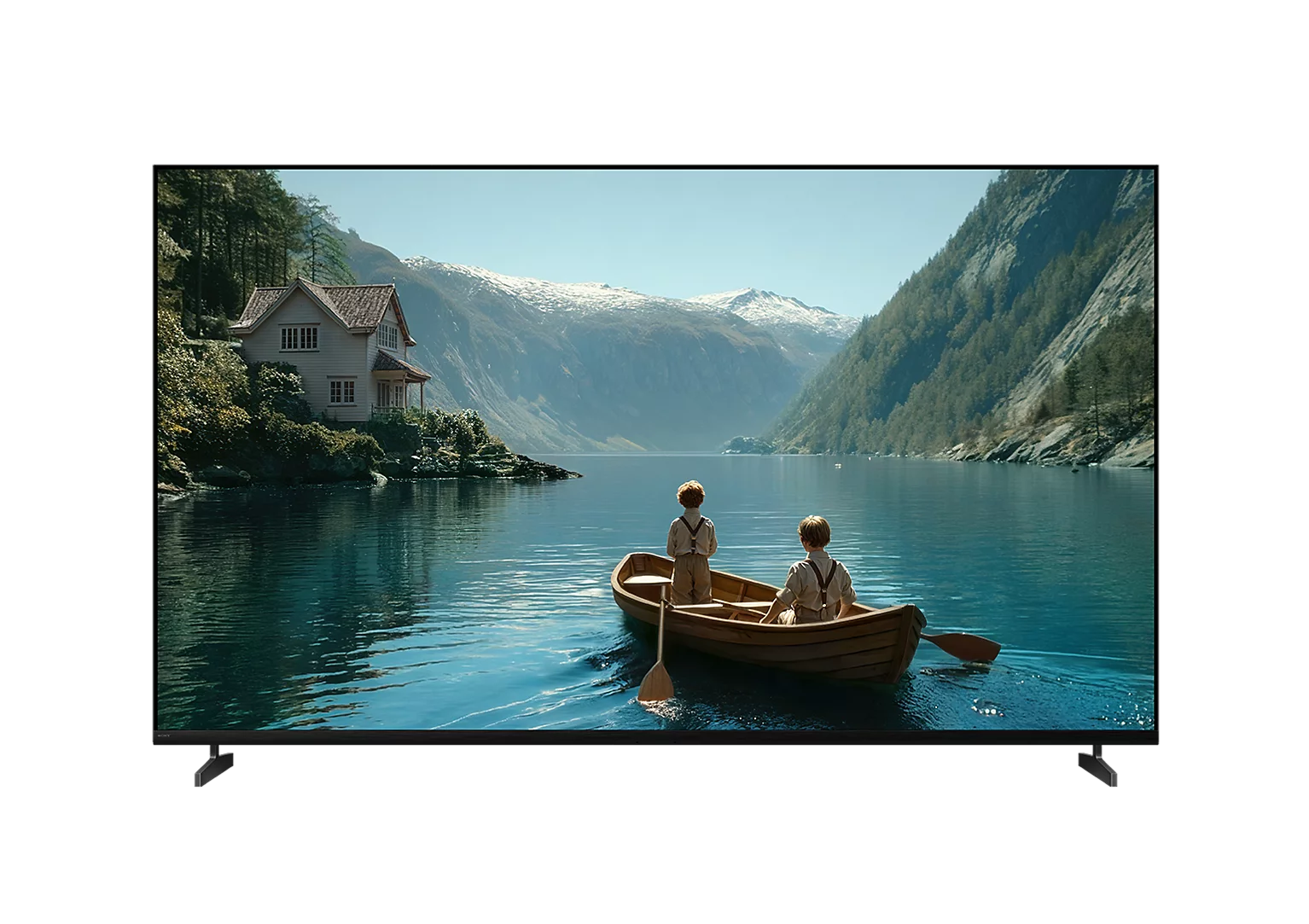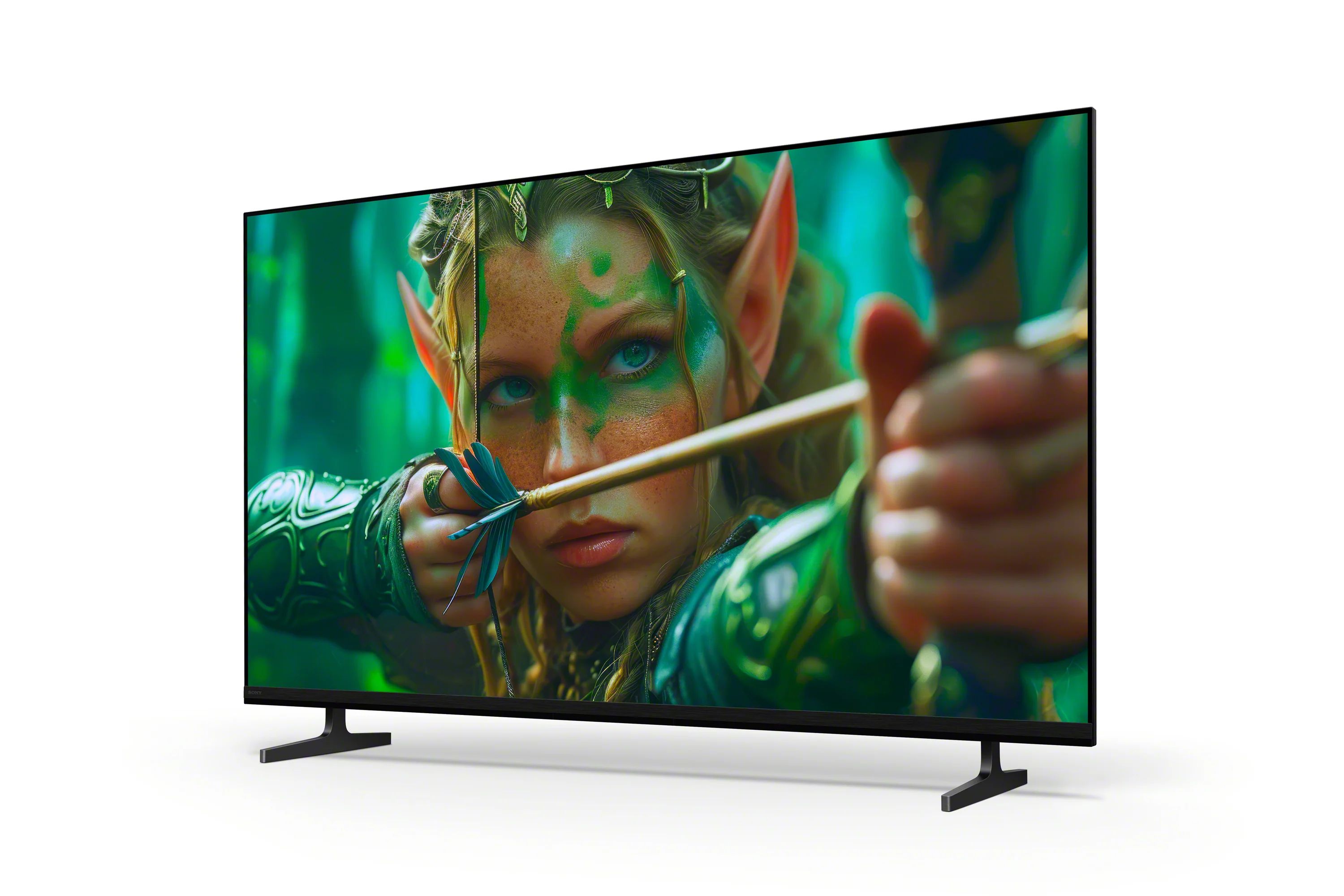



Choosing a Sony BRAVIA TV is not just about display size or resolution. It is about how well your TV brings content to life, from picture quality to the overall viewing experience.
With Sony Pictures Core (formerly BRAVIA CORE), your 4K smart TV becomes more than just a display. It transforms into a premium movie hub, giving you access to a wide range of films, including IMAX® Enhanced titles and high-quality streaming.
Whether you are using an RGB Mini LED TV, Mini LED TV, OLED TV, or HDR TV, it helps to first understand what Sony Pictures Core credits are and how to activate your account before making the most of them.

What Are Sony Pictures Core Credits?
Sony Pictures Core credits allow you to redeem selected movies from the platform’s catalogue. Once redeemed, these titles are added to your personal library, where you can watch them anytime.
Depending on your BRAVIA TV model and promotion, you may receive:
- 5, 10, or more movie credits
- Access to unlimited streaming from a curated selection of movies for a limited period
Since credits can only be used for eligible titles and may come with a validity period, choosing carefully helps maximise their value.
How to Activate Your Sony Pictures Core Account
Getting started with Sony Pictures Core is quick and guided directly on your BRAVIA TV.
Follow these steps:
- Open the Sony Pictures Core app and sign in or register using your Google account
- Review the movie credits available in your account
- Enable Pure Stream™ if prompted for higher-quality streaming
- Browse the available movie catalogue
- Select and redeem a movie to start watching
Now that you’re set up, here’s how you can make the most of your Sony Pictures Core credits and enhance your viewing experience.
1. Choose Movies That Deliver the Best Value
Sony Pictures Core offers a wide range of titles, including blockbuster releases, classic films, and IMAX® Enhanced content.
To maximise your credits, take time to explore the catalogue before redeeming them. Selecting newer releases or movies you plan to watch more than once ensures each credit delivers better long-term value.
With IMAX® Enhanced titles available, your Sony BRAVIA TV can showcase more refined visuals and a more cinematic presentation.
2. Take Advantage of Pure Stream™ for Better Picture Quality
Pure Stream™ is one of the key features that sets Sony Pictures Core apart as a movie streaming app.
It enables higher bitrate streaming, allowing your HDR TV or 4K smart TV to display improved clarity, richer colour, and better contrast compared to standard streaming.
This is especially noticeable in fast-moving or detailed scenes, helping content appear sharper and more lifelike.

3. Make the Most of Your BRAVIA Display Technology
Sony BRAVIA TVs are designed to enhance picture quality across different types of content.
Whether you are using an RGB Mini LED TV with Sony’s True RGB technology for enhanced colour accuracy, a Mini LED TV for brighter highlights or an OLED TV for deeper contrast, you can enjoy more vivid colours, greater realism, and an even more refined picture quality with Sony Pictures Core.
This results in:
- More accurate colours
- Improved contrast in bright and dark scenes
- A more immersive viewing experience
Together, content and display work seamlessly to deliver visuals that feel more natural and engaging.
4. Build Your Personal Movie Library Over Time
Sony Pictures Core allows you to redeem and keep movies in your personal library.
This means you can build a curated collection of films that you can revisit at any time, creating a more personalised entertainment experience.
5. Enjoy a Seamless Sony Smart TV Experience
Sony Pictures Core is designed specifically for BRAVIA TVs, ensuring smooth integration within your Sony smart TV environment.
The interface is intuitive, content is easy to navigate, and playback is optimised for performance. This creates a seamless viewing experience without the need for additional devices.
As a built-in movie streaming app, it enhances how you access and enjoy content directly from your TV.

6. Plan Your Viewing for Maximum Value
Making the most of your credits also depends on how you use them.
Planning what to watch in advance helps you avoid redeeming titles impulsively. Keeping track of your available credits and browsing the catalogue regularly ensures you make informed decisions.
Bring More to Every Movie Night
Sony Pictures Core transforms your Sony BRAVIA TV into more than just a screen. By combining premium content with advanced picture technologies found in RGB Mini LED TV, Mini LED TV, OLED TV, and HDR TV models, it creates a more immersive and rewarding way to watch.
With the right approach, your credits become more than just access—they become part of a richer home entertainment experience.
Support and FAQ
For more information or assistance: