


Taking care of your Sony BRAVIA TV properly can help extend its lifespan and maintain consistent performance over time. Whether you own a Mini LED TV or a 4K Smart TV, simple maintenance habits can make a significant difference in durability and viewing quality.
With regular care and the right setup, many common issues can be avoided before they affect performance. Small actions, such as proper placement, cleaning, and updates, can help your Sony Smart TV continue delivering reliable picture quality for years.
Extending your TV’s lifespan means reducing wear on internal components and maintaining consistent picture and system performance over time.
1. Place Your TV in a Suitable Environment
A stable environment helps your TV perform consistently over time.
- Avoid placing your TV directly below an air conditioner, as moisture may affect internal components
- Ensure the wall or surface is dry to reduce dust buildup and prevent exposure to insects
- Leave space around the TV for proper airflow
Keeping your TV in a well-ventilated area also helps regulate temperature during long viewing sessions. This is especially important for high-performance displays like a Mini LED TV or HDR TV, which may generate more heat during operation.
2. Clean Your TV Screen Properly

Understanding how to clean TV screen correctly helps preserve picture quality.
Best practices:
- Turn off and unplug your TV before cleaning
- Use a clean microfiber cloth to gently wipe the screen, as other materials such as tissue paper, regular fabric, or gauze may damage the screen’s surface coating
- Wipe dust and fingerprints lightly without applying pressure
If dirt remains due to the screen’s special surface coating, follow these steps:
- Lightly moisten a microfiber cloth with water (ensure it is not dripping), then gently wipe the screen
- If streaks remain, wipe the screen again with a dry microfiber cloth and repeat as needed
For more stubborn marks:
- Gently wipe the screen using a microfiber cloth moistened with 70% isopropyl alcohol (IPA)
- Apply the liquid to the cloth first, not directly onto the screen
- If streaks remain, wipe dry and repeat carefully
Avoid:
- Spraying liquid directly onto the screen
- Using harsh chemicals or solvents
Proper cleaning protects the screen coating on both LCD and OLED TV displays and helps maintain long-term clarity.
3. Keep Ventilation Areas Free from Dust

Dust buildup can affect long-term performance if not managed regularly.
- Clean around ventilation openings periodically
- Use a soft vacuum or cloth to remove dust
- Avoid blocking airflow behind the TV
Keeping your Sony Smart TV well-ventilated helps prevent overheating and supports consistent operation over time.
4. Avoid Direct Contact with the Screen
Modern displays are designed for precision and clarity, but they should be handled carefully.
- Avoid touching the screen frequently
- Do not apply pressure while cleaning
- Keep objects away from the display surface
Applying pressure may affect the display layers and cause temporary marks or distortion.
5. Reduce the Risk of Screen Burn-In
For certain display technologies such as OLED TV, managing screen burn in is important.
Screen burn-in refers to faint residual images that may remain on screen after displaying static content for extended periods.
To minimise the risk:
- Avoid leaving static images on screen for long periods
- Use built-in screen saver features
- Turn off the TV when not in use
These habits help preserve display quality and reduce long-term image retention.

6. Keep Your TV Software Updated
Regular TV software update ensures your TV operates efficiently.
Updates can:
- Improve system stability
- Enhance picture and sound performance
- Fix potential issues over time
In addition, updates may introduce new features or optimise system performance based on usage patterns. Keeping your Sony Smart TV up to date helps ensure compatibility with apps and services, allowing your TV to function smoothly over a longer period.
7. Handle Power and Cables with Care
Proper handling of power and cables helps reduce unnecessary wear on your TV.
- Unplug the power cable before cleaning or moving your TV
- Avoid excessive bending, twisting, or strain on cables
- Use a stable and reliable power source to prevent electrical fluctuations
Power and cable management can affect long-term performance more than expected. These steps help protect internal circuits and ensure your Sony Smart TV operates safely and consistently.
8. Practice Balanced Daily Usage
How you use your TV daily also contributes to its longevity.
- Avoid running at maximum brightness for extended periods
- Turn off your TV when not in use
- Use energy-saving or standby features
Balanced usage helps reduce strain on internal components and maintain consistent performance across your 4K Smart TV over time.
Maintain Your Sony BRAVIA TV for Long-Term Performance
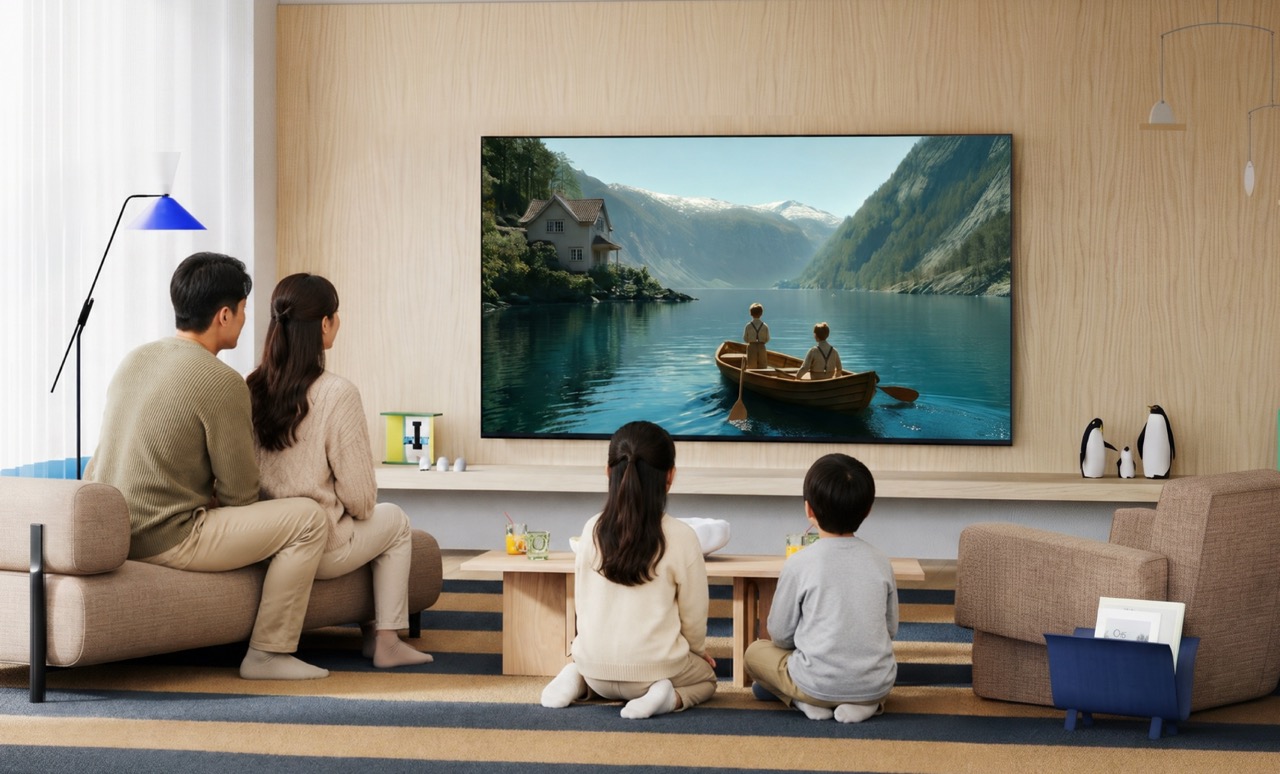
Taking care of your Sony BRAVIA TV does not require complex steps, but consistency matters. By maintaining a clean environment, updating regularly, and handling your TV with care, you can extend its lifespan and preserve its performance.
With the right habits, your TV can continue delivering reliable visuals and smooth performance even after extended use. These simple practices help ensure your Mini LED TV, OLED TV, or HDR TV remains a dependable part of your home entertainment setup over time.