


Upgrading your audio setup can dramatically improve how you experience movies, music, and games. Whether you are building around a Sony soundbar, creating a full surround sound system, or using a compatible BRAVIA TV with direct speaker connection, adding a subwoofer or rear speakers can significantly enhance your home audio experience. The question is: which upgrade makes the biggest difference?
Both upgrades enhance your setup in different ways, especially when paired with a Dolby Atmos soundbar or connected directly to a compatible BRAVIA TV. Understanding how each works will help you choose the option that delivers the biggest improvement for your home audio experience.

What Does a Subwoofer Speaker Do?
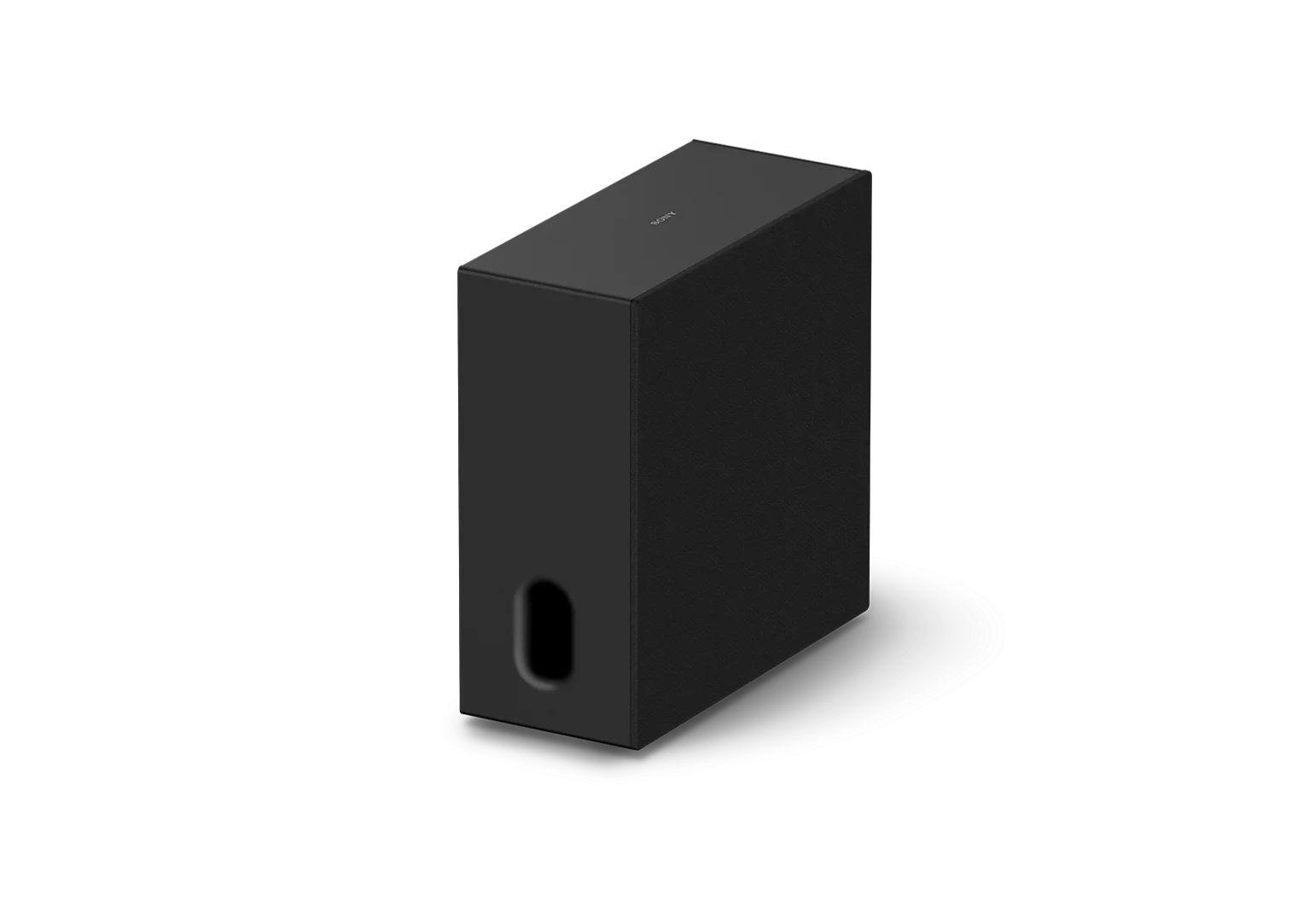
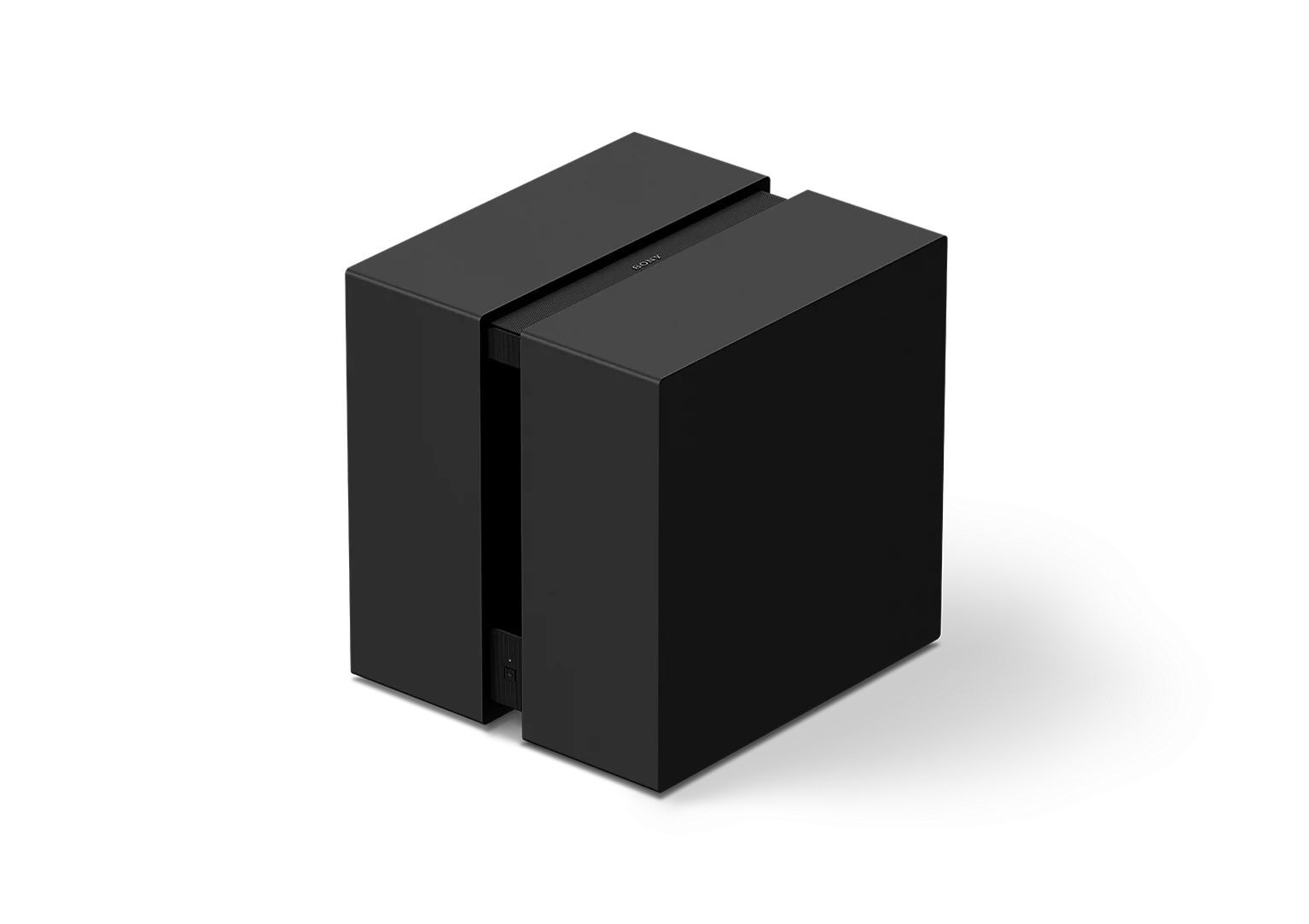
A subwoofer speaker is designed to handle low-frequency sounds, often referred to as bass. It enhances the depth and impact of your audio, making scenes feel more powerful and immersive.
On selected BRAVIA TVs, compatible subwoofers can connect directly to the TV without requiring a soundbar, offering an easy way to add deeper bass with minimal setup.
A subwoofer improves:
- Deep bass for explosions and sound effects
- Richer sound for music playback
- Overall balance in your home theatre system
Many setups include a wireless subwoofer, allowing flexible placement without additional cables.
What Do Rear Speakers Do?
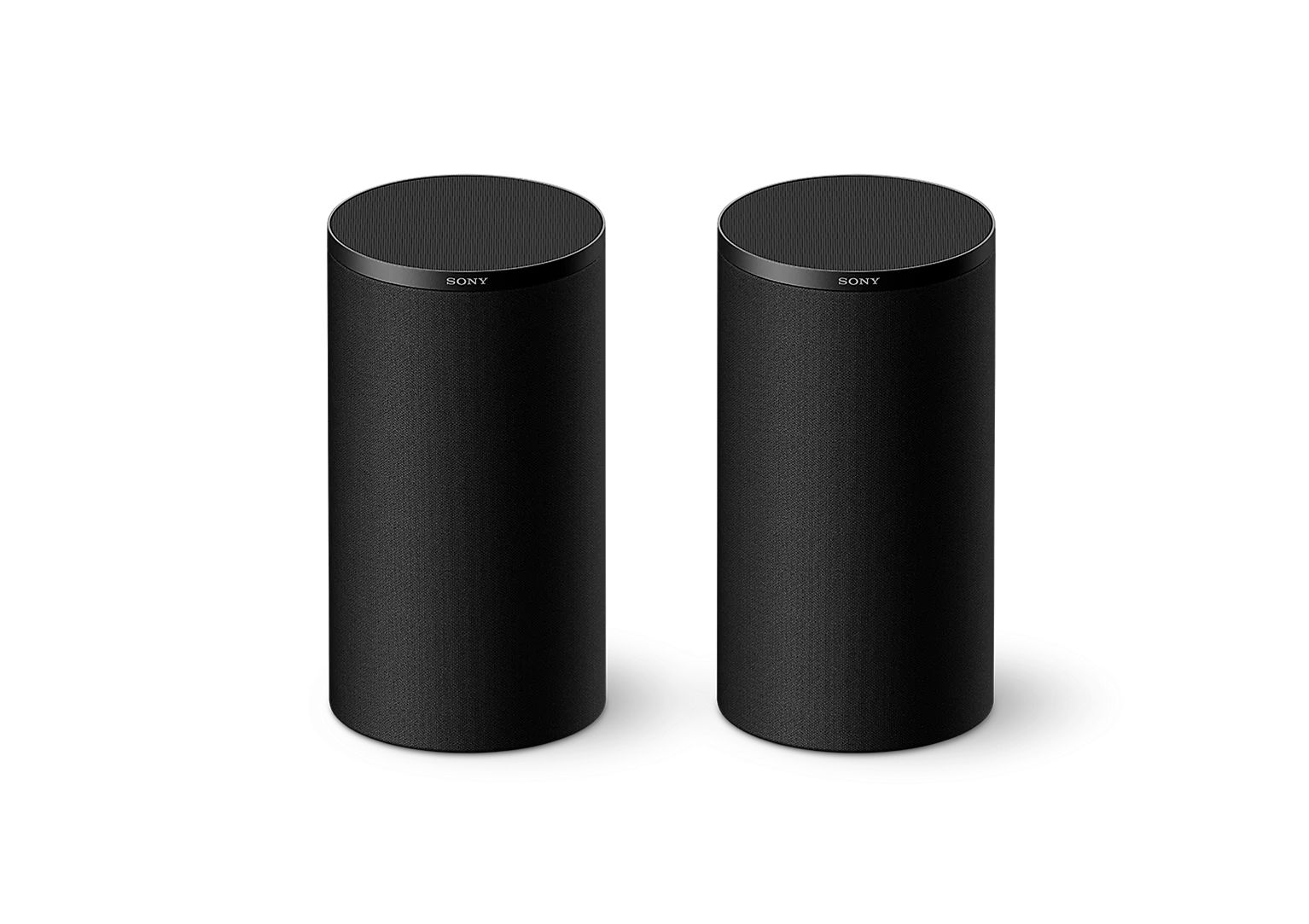
Rear speakers are a key component of a surround sound system, designed to deliver audio from behind or around your seating area for a more immersive listening experience. On compatible BRAVIA TVs, rear speakers can also connect directly without a soundbar, creating atmospheric surround sound that extends beyond the TV itself. They add depth, direction, and spatial detail, allowing you to feel like you are inside the scene rather than just watching it.
Rear speakers improve:
- Directional sound for a more immersive experience
- Realistic movement of audio across the room
- A more complete surround sound system experience
When paired with a Dolby Atmos soundbar, rear speakers help create the sense of sound coming from all directions, including above. Sony’s 360 Spatial Sound Mapping technology enhances this further by generating virtual sound sources around you, delivering a more seamless and enveloping audio experience.
Subwoofer vs Rear Speakers: Key Differences
Understanding the core difference helps you make the right decision:
- A subwoofer speaker adds depth and power through bass
- Rear speakers add immersion through directional audio
Both contribute to a better Sony home theatre experience, but they impact your listening in different ways.
When a Subwoofer Makes the Biggest Difference
If you are currently using only a Sony soundbar, adding a subwoofer is often the first upgrade to consider.
Choose a subwoofer if you want:
- Stronger bass and more impactful sound
- A fuller audio experience across movies and music
- Greater depth in your home theatre system
Without sufficient bass, even a high-quality Dolby Atmos soundbar may sound less dynamic. A bass speaker can instantly make audio feel more powerful and engaging.

When Rear Speakers Make the Biggest Difference
Rear speakers are ideal when your system already delivers good front-facing sound and you want to expand into a true surround sound system.
Choose rear speakers if you want:
- A more immersive, cinema-like experience
- Sound that moves naturally around your space
- Enhanced realism when watching surround-enabled content
Adding surround sound speakers creates a wider soundstage, especially when watching movies mixed in Dolby Atmos.
Which Upgrade Should You Prioritise?
The best option depends on your current setup.
Basic Setup (Soundbar Only)

- Start with a subwoofer.
Whether you are starting with a compatible BRAVIA TV or a Sony soundbar, pairing it with a wireless subwoofer often delivers the most noticeable improvement by adding greater depth and impact to your audio.
Intermediate Setup (Soundbar + Subwoofer)

- Add rear speakers next.
Once bass is covered, rear speakers will transform your system into a more complete Sony home theatre setup.
Full Setup (Advanced System)

- Use both for the best results.
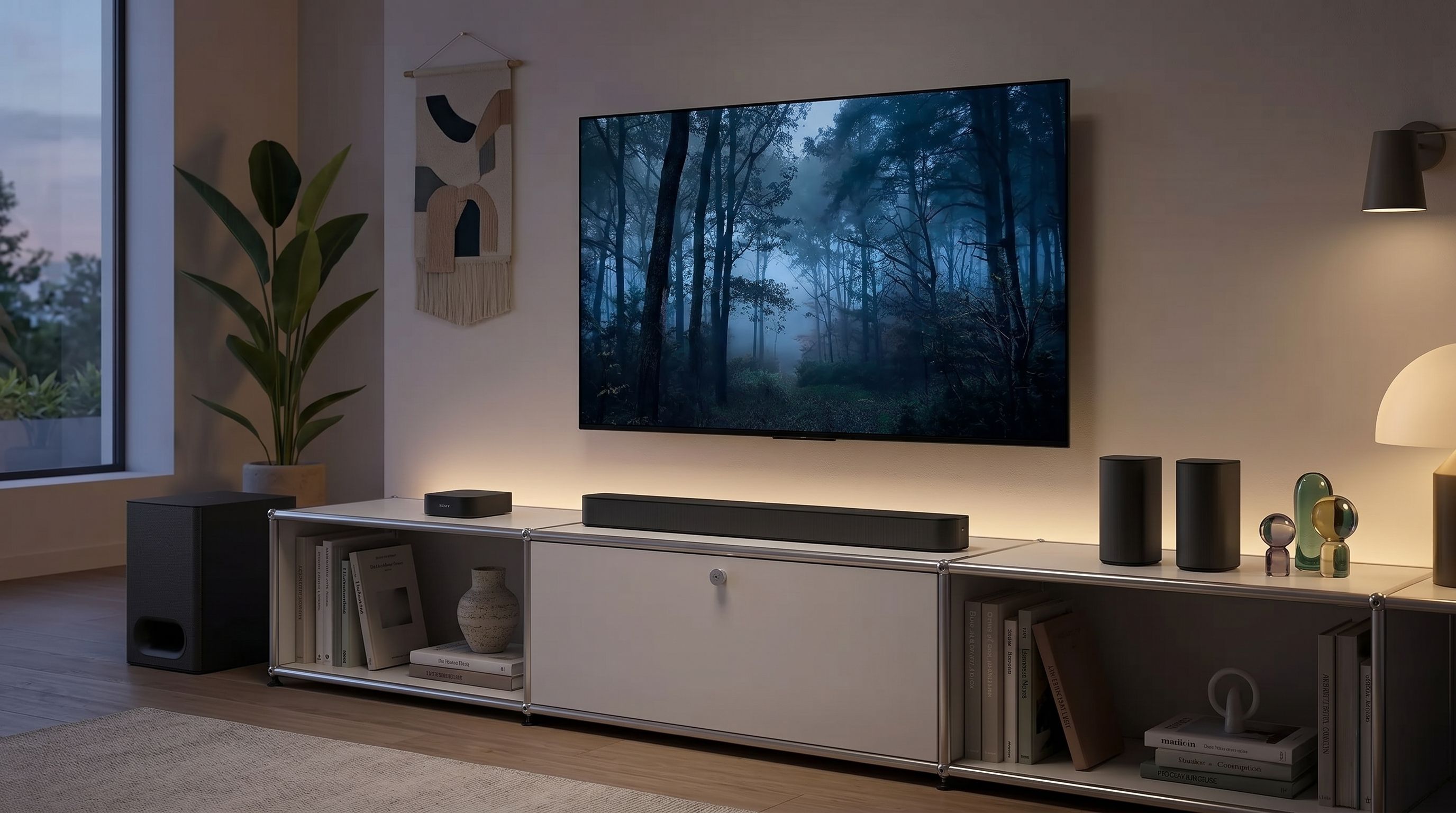
Combining a Dolby Atmos soundbar, subwoofer, and surround sound speakers creates a fully immersive surround sound system that delivers both depth and direction.
Systems like Sony BRAVIA Home Theatre System are designed to integrate these components seamlessly.
Which Upgrade Should You Prioritise?
Movies and TV
- Subwoofer → adds impact and cinematic depth
- Rear speakers → create immersive surround sound
Gaming
- Subwoofer → enhances powerful effects
- Rear speakers → improve positional awareness
Music
- Subwoofer → deepens bass response
- Rear speakers → less essential unless using surround formats

Tips to Get the Best Results
- Position your subwoofer speaker near a wall or corner for stronger bass
- Place rear speakers behind your seating position for optimal surround effect
- Ensure your setup supports formats like Dolby Atmos for full performance
- Upgrade step-by-step to build a complete home theatre system
Choose the Right Upgrade for Your Setup
Choosing between a subwoofer and rear speakers depends on what your current setup needs most. A subwoofer enhances depth and power, while surround sound speakers create a more immersive and directional audio experience.
For simpler setups, adding a subwoofer usually delivers the most noticeable improvement right away. As your system evolves, introducing rear speakers helps complete your surround sound system and creates a more cinematic environment.
With the right combination, your Sony home theatre setup can deliver powerful, immersive sound that brings every scene to life.
*Please update to the latest system software. Firmware update is required for both the TV and optional speakers.
*Direct Connect to BRAVIA is available on BRAVIA 9 II (XR90M2), BRAVIA 7 II (XR70M2), BRAVIA 5 (XR50), BRAVIA 9 (XR90), BRAVIA 8 II, BRAVIA 8 (XR80), BRAVIA 7 (XR70), and A95L Series.
*Direct Connect to BRAVIA is available with BRAVIA Theatre Sub 9 (SA-SW9), BRAVIA Theatre Sub 8 (SA-SW8), BRAVIA Theatre Sub 7 (SA-SW7), BRAVIA Theatre Rear 9 (SA-RS9), and BRAVIA Theatre Rear 8 (SA-RS8).