
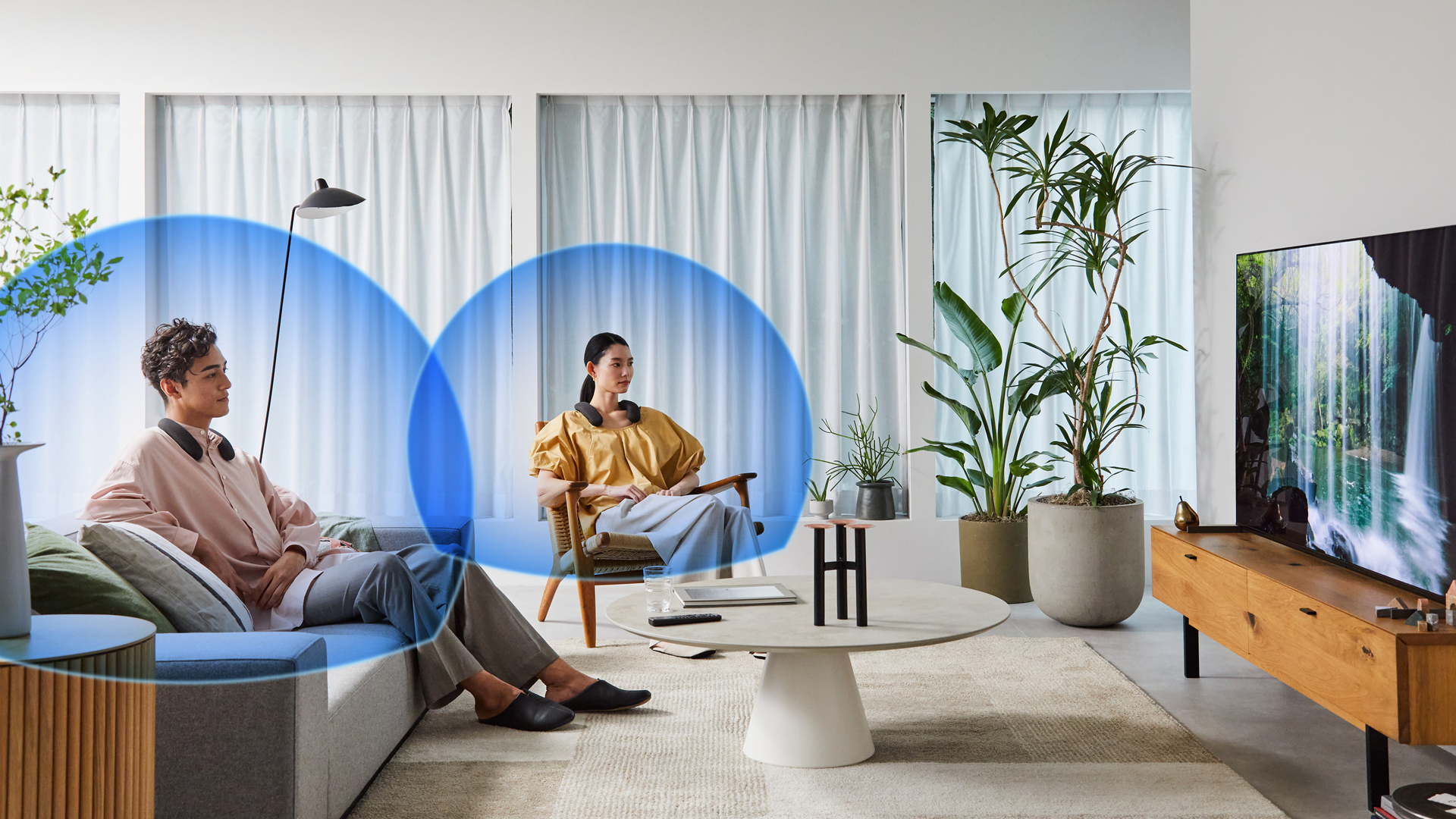



Pairing Two BRAVIA Theatre U Neckband Speakers for Shared Immersive Sound
Enhance your home entertainment by connecting two BRAVIA Theatre U neckband speakers to a single device using the Speaker Add function. This feature allows you and a companion to enjoy synchronized, high-quality audio at your preferred volume levels.
With dual BRAVIA Theatre U speakers, you can experience immersive surround sound together, whether you're watching movies, gaming, or listening to music. The lightweight and comfortable design ensures all-day wearability, and the IPX4 splash-proof rating makes it suitable for everyday use.
How to Pair Two BRAVIA Theatre U Speakers:
1. Connect the First Speaker:
- Ensure the first BRAVIA Theatre U speaker is connected to your TV or device via Bluetooth.
2. Activate Speaker Add Mode on the First Speaker:
- Press and hold the Speaker Add button (located near the microphone mute button) on the first speaker for approximately 2 seconds until you hear a notification sound and the indicator lights begin to slowly flash.
3. Activate Speaker Add Mode on the Second Speaker:
- Within 30 seconds, press and hold the Speaker Add button on the second speaker for about 2 seconds until you hear a notification sound and the indicator lights begin to slowly flash.
4. Confirmation:
- Both speakers will emit a sound indicating successful pairing, and the indicator lights will confirm the connection.
Note:
- The Speaker Add function disables multipoint Bluetooth connections and call functionalities.
- When using the Speaker Add function, the audio codec switches to SBC, and video synchronization may be affected.
- If either speaker is reset or initialized, the pairing may be disrupted; in such cases, re-pairing both speakers is necessary.
Watch this video for more.
Enjoy Seamless Entertainment!

