



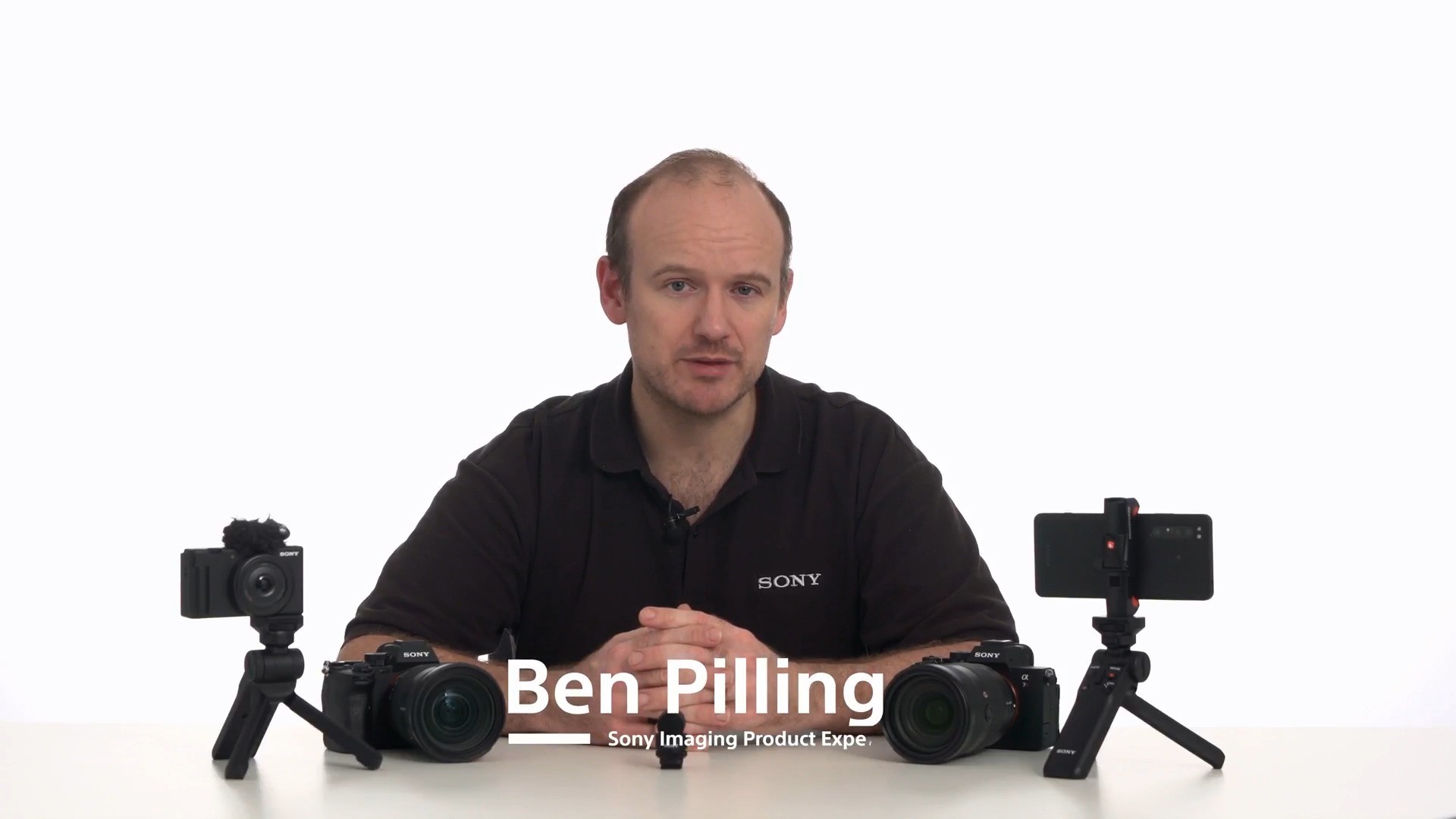
About This Course

Audio quality is just as vital as video resolution in video production, yet onboard audio menus and controls are frequently underutilized. This lesson provides a practical overview of navigating your Sony Alpha camera's audio interface and balancing signal levels to capture pristine, broadcast-ready sound without needing complex external recording equipment.


By the end of the video, creators will know how to optimize signal levels for any location, choose the right directional modes and significantly reduce post-production cleanup time.

Audio Recording

Test your knowledge

1 - What is the primary purpose of adjusting the Audio Rec Level setting in your camera menu?


2 - On the camera's audio level meter, where should dynamic speech typically peak for clean recording?


3 - Which audio menu setting helps cut down low-frequency rumble created by wind or ambient HVAC noise?


4 - What advantage does mounting a digital microphone on Sony's Multi-Interface (MI) Shoe provide?


5 - While recording an interview in a quiet room, background room noise rises noticeably during pauses between speech. Which setting is most likely causing this issue?


Instructor

Ben Pilling is a seasoned digital imaging expert and Technical Marketing Manager for Sony Europe, where he has spent over a decade helping photographers and creators master their craft.


A familiar face at major European photography shows and tech expos—including IFA in Berlin, Photokina, and key regional events—he is known for his engaging presentation style and deep technical knowledge.


Ben excels at bridging the gap between advanced camera engineering and practical field use, guiding everyone from first-time users to veteran professionals.

Ben Pilling

Ben Pilling

Sony Imaging Product Expert


Featured Gear

Product Features

α Camera

Interchangeable-lens Cameras